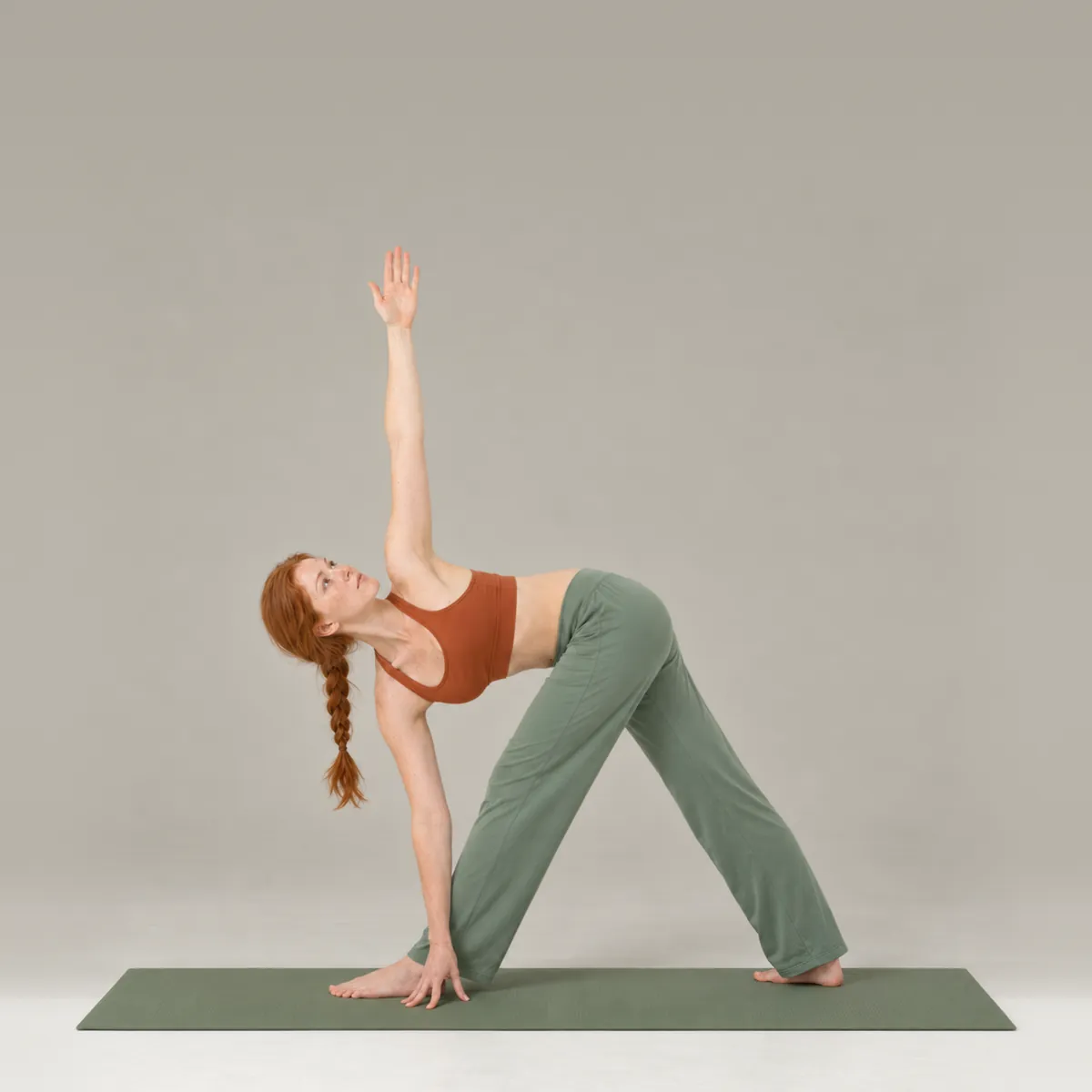
Yoga pose detection that turns into coaching, not a score sheet.
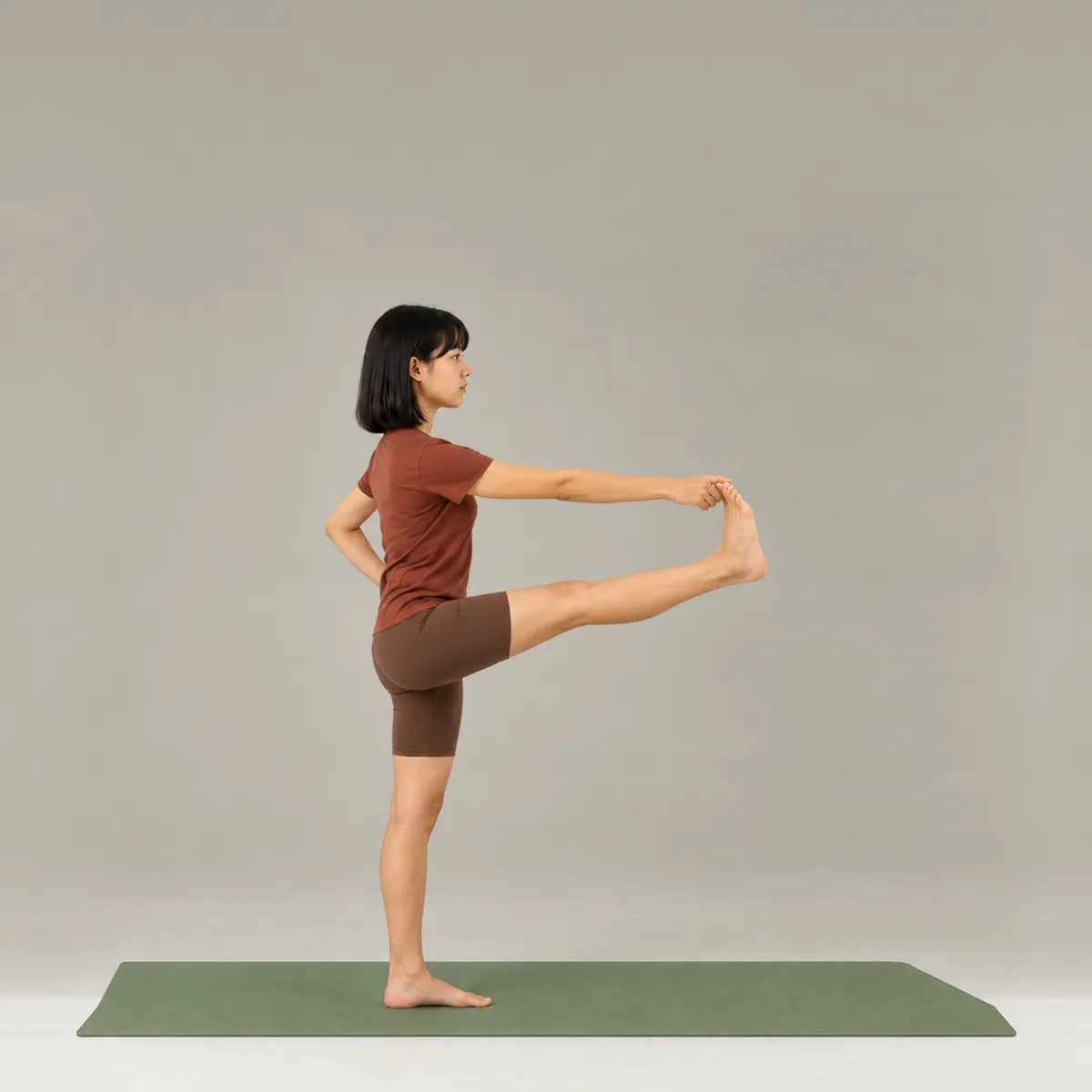
What yoga pose detection actually sees.
Not a video of you. Pose estimation finds the positions of your major joints, like hips, knees, shoulders, and wrists, continuously as you move. The useful part is how those points relate to each other.
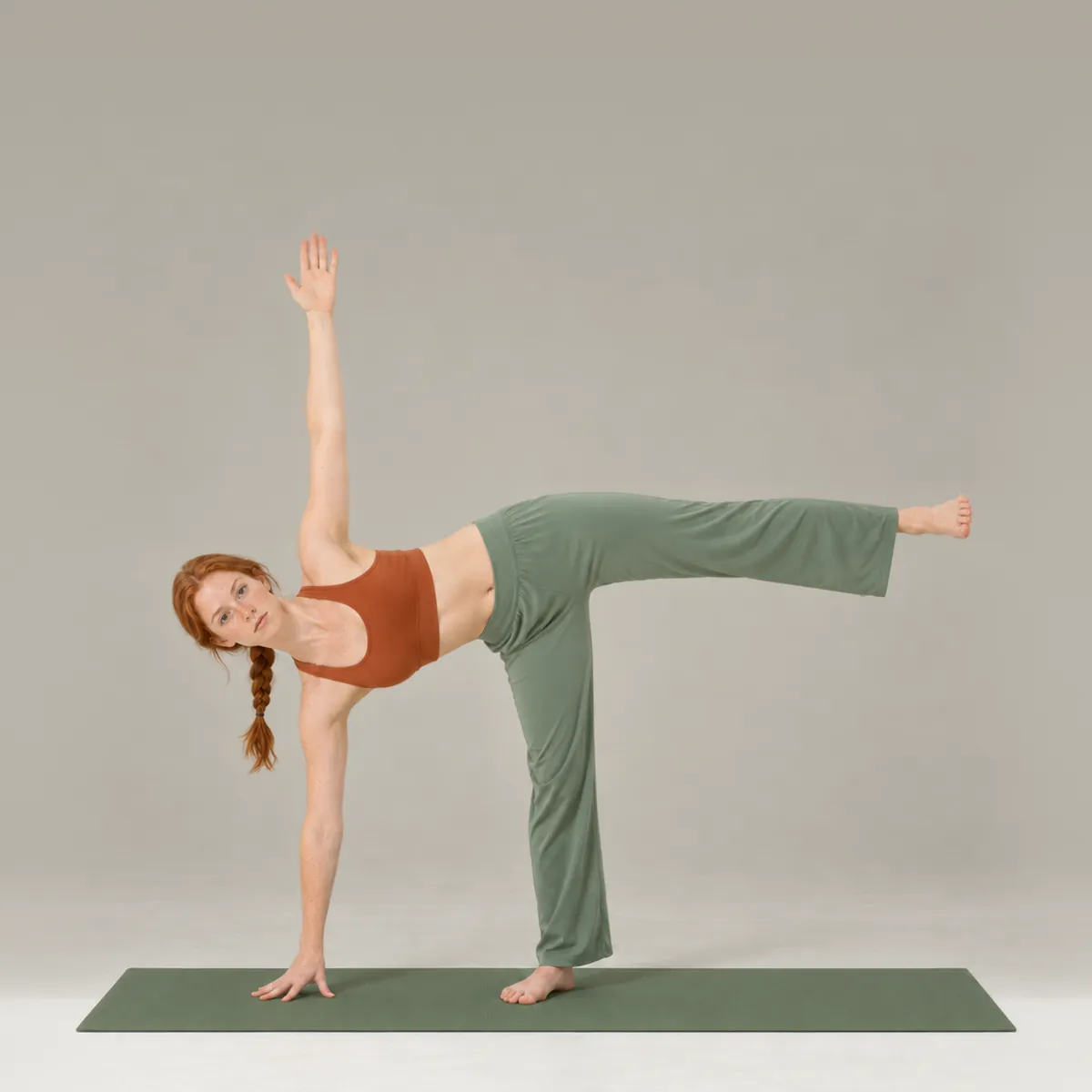
- Hip to knee
- Whether a front knee tracks over the toes or drifts inward.
- Hip to hip
- Whether the hips stay level or one hikes up or rolls open.
- Ribs to pelvis
- Whether the lower back is arching or the ribs are flaring.
- Shoulder to wrist
- Whether the arms are stacked, level, and reaching long.
- Head to shoulders
- Whether the neck stays long or the chin juts forward.
What it does not need: who you are, what your room looks like, or a recording of you. Those are not what makes a cue useful.
Beyond Detection
Detection is the start. Coaching is the point.
Knowing a knee is off by a few degrees only helps if someone tells you what to do about it. Kova pairs detection with breath pacing, modifications, and a path of seven stages, with each class designed for that day around how your sessions went.
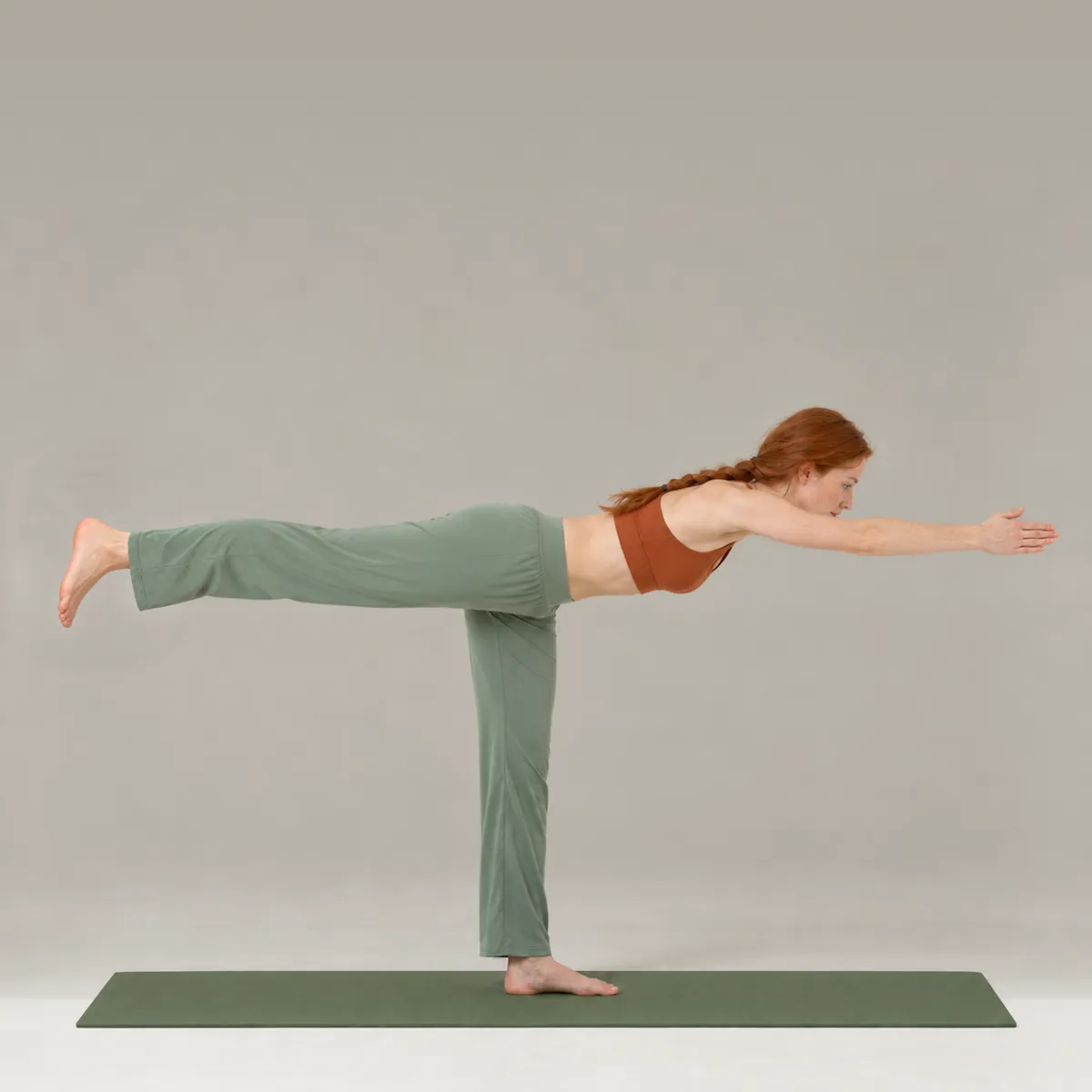
Turn your back toes to point down at the mat.
One moment in Warrior III
- It seesYour hips, shoulders, and back heel, from a phone propped up across the room.
- It noticesThe hip of the lifted leg opens toward the ceiling.
- It comparesThe shape you are working toward: hips stay level, with the back toes pointing down.
- You hearTurn your back toes to point down at the mat and draw the lifted hip down until both hip points face the floor.
Then the live form score settles as your hips level out. Every pose guide lists what Kova watches for, like the one for Warrior III.
On Device
Pose estimation runs on your iPhone or iPad. Camera frames never need to be uploaded or stored for coaching to work, and with no trip to a server, a cue can arrive while you are still in the pose.
How to get accurate tracking at home.
Full phone setup guide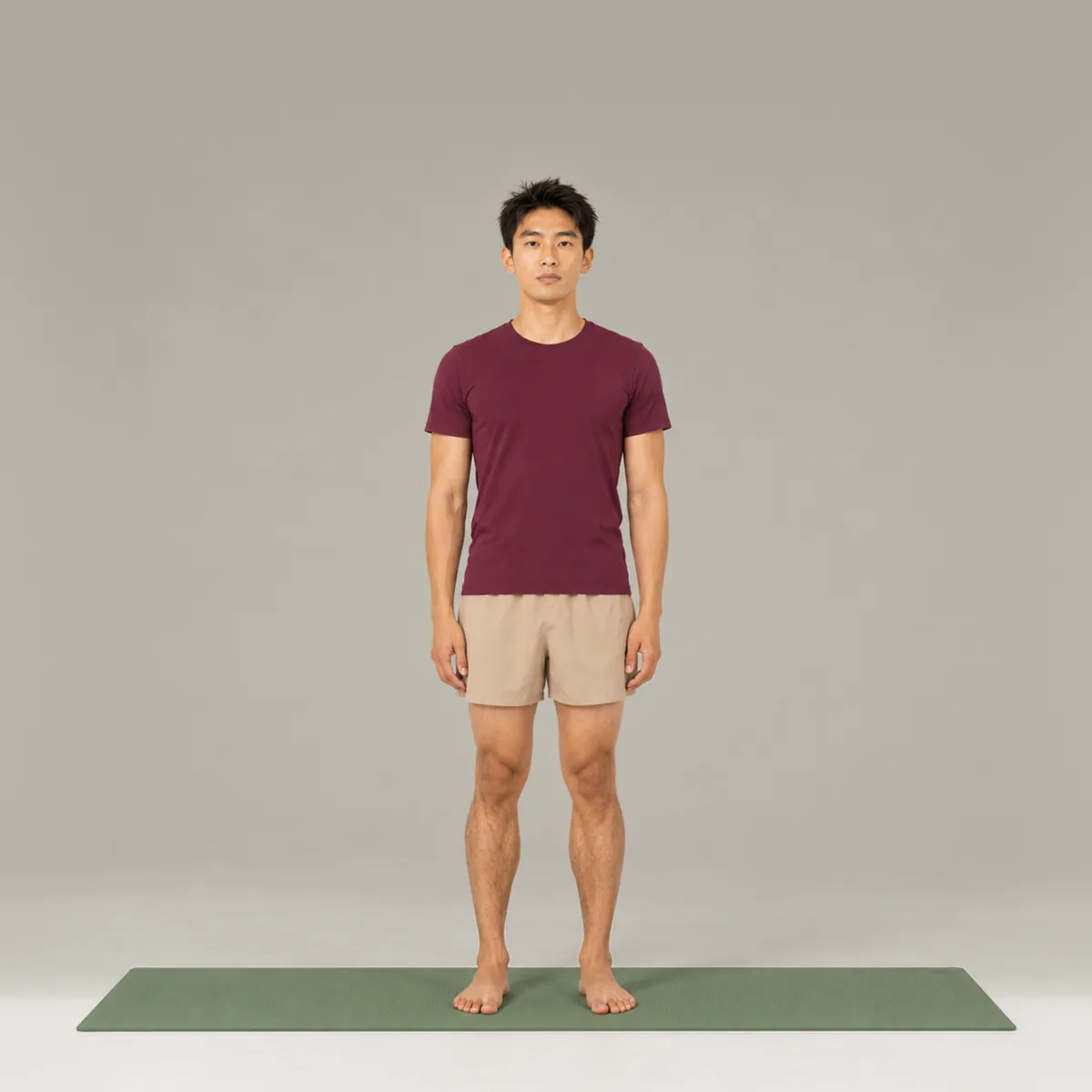
Head to heels, with space around you. Kova guides camera placement before each session begins.
- 01
Two to three metres back
Stand your iPhone or iPad upright on something stable, like a low shelf, a table, or a stand, so it does not slip mid-session.
- 02
Your whole body in frame
Standing and lying down, with a little space around you. Reach your arms overhead, then lie down with your arms extended. If anything leaves the frame, move the phone back.
- 03
Light in front of you
A window or lamp behind the phone is ideal. A bright window behind you turns you into a silhouette.
- 04
Fitted clothing
Clothes that show where your knees and elbows are, in a color that stands out from the wall and floor. Loose layers can make tracking less precise.
- 05
A clear, plain background
Move the chair, plant, or coffee table at the edge of the mat. A plain wall behind you helps more than you might expect.
- 06
The same spot each time
Once a spot works, keep it. Leave the stand where it lives and setup becomes a 30-second habit.
What pose detection is not.
A camera pointed at you deserves straight answers. Here is where Kova draws the lines.
Not a recording
Camera frames are processed on your iPhone or iPad. They are never uploaded and never leave your device.
Not about who you are
It works with the positions of joints like hips, knees, and shoulders. It does not need to know who you are or what your room looks like.
Not a clinical measurement
It is built for home practice guidance. Kova is not a medical device and does not diagnose injuries.
Not a stream of corrections
It chooses the most useful correction first and leaves the rest, so you can stay in the pose.
Not a test
The live form score shows how a pose is settling. It is there to help, not to grade you.
Not always on
Every session has an audio-only mode with breath pacing and verbal cues, camera off.
Free to download. Every practice needs Kova Plus, which starts with a 3-day free trial for new subscribers, then $9.99 a month or $89.99 a year in the US App Store.
See pricingIs there an app that detects yoga poses?
How accurate is camera-based yoga pose detection?
Does the pose detection need an internet connection to see me?
Can I turn the camera off?


Seen clearly,
and privately.
Download Kova on your iPhone or iPad today. It is free to download, and Kova Plus starts with a 3-day free trial for new subscribers.
Download on the App Store