Skip to content
Private Fitness App

A private fitness app where your camera feed stays yours.

Kova coaches yoga and pilates through your iPhone or iPad camera, with pose tracking that runs entirely on the device. Here, in plain language, is what stays with you and what does not.
Download on theApp StoreFree to download · Available now on iPhone and iPad
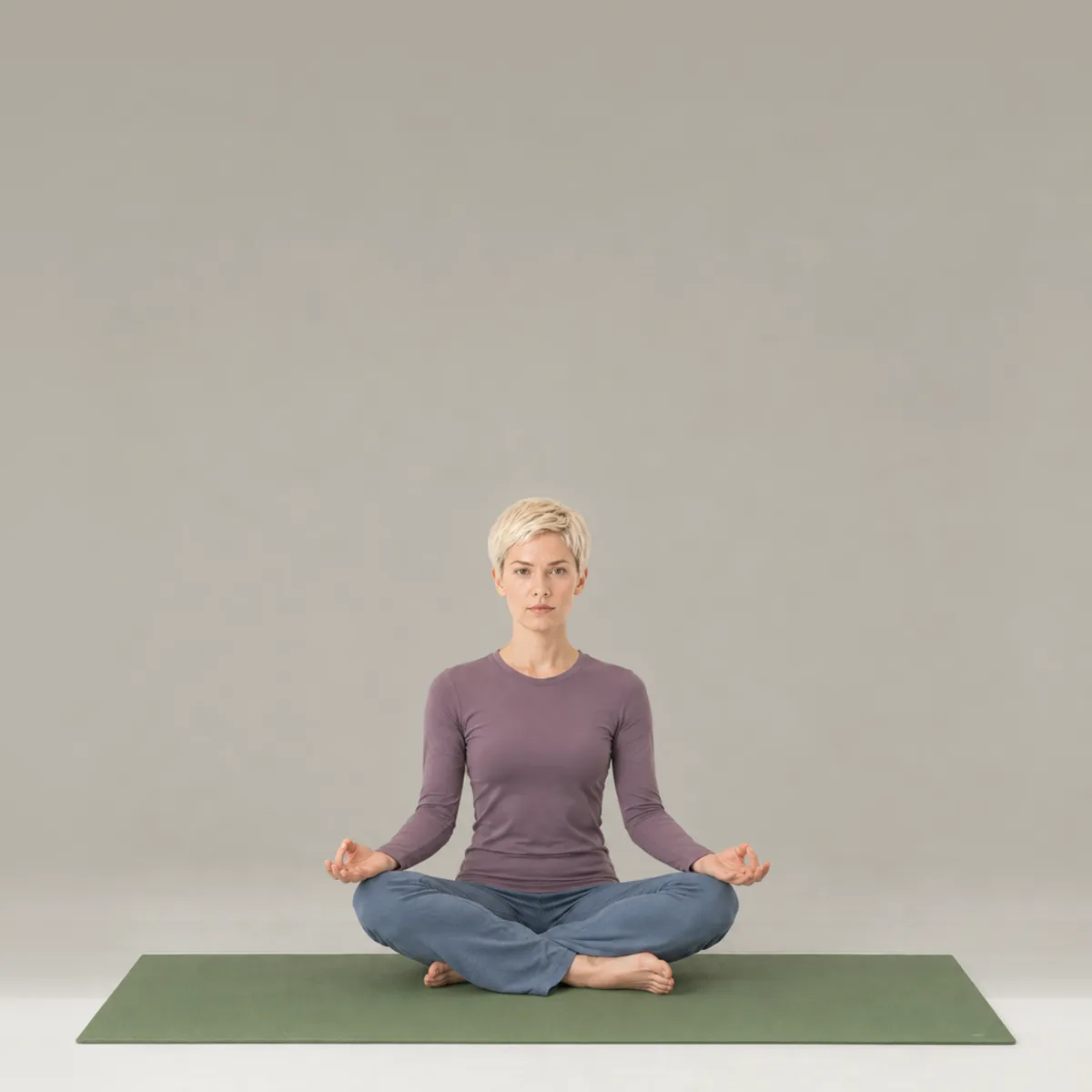
A woman sitting cross-legged in easy pose on a green yoga mat, hands resting on her knees

From the Kova privacy policy

“Pose tracking runs entirely on your device. Your camera video and images are never uploaded, never stored on our servers and never seen by anyone.”
Read the camera section
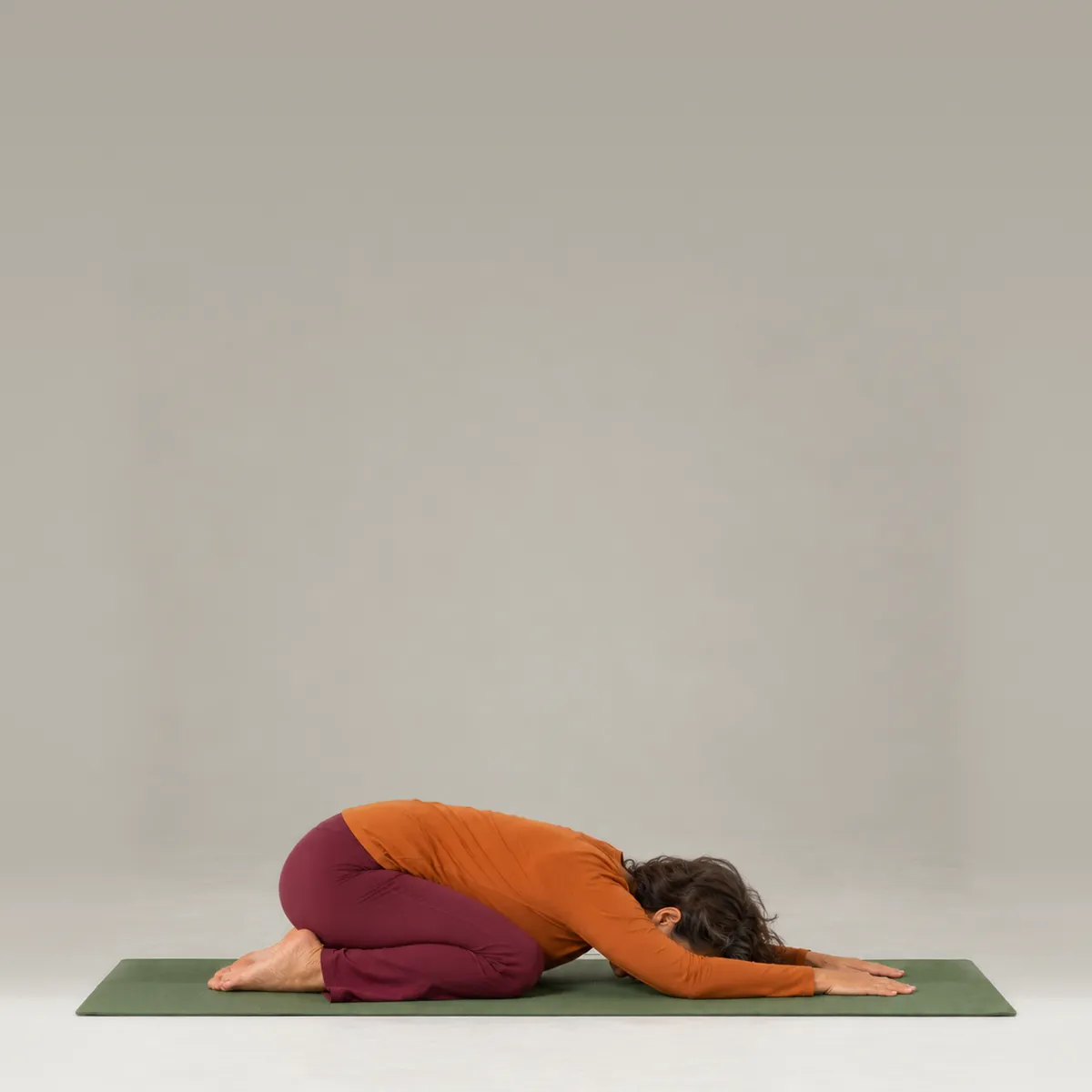
A woman resting in child's pose on a green yoga mat, hips back toward her heels and arms reaching forward

Privacy

The camera should not be the tradeoff.

Camera coaching can be helpful, but only if the privacy model is clear. Kova is designed so sensitive pose tracking happens on your iPhone or iPad. Kova works with body landmarks, the positions of joints like hips, knees, and shoulders, not recordings of you or your room.

  • Camera frames never need to leave the device for form feedback.
  • Cues arrive quickly, because there is no trip to a server and back.
  • Privacy is easier to understand when the sensitive work stays local.

What stays on your phone, and what doesn't.

Private does not mean nothing is stored. It means you can see exactly what is, and why. Privacy-sensitive users should not have to decode vague claims. Kova puts the on-device promise directly in the product story.

Stays on your device

Processed on your iPhone or iPad. Never sent to our servers.

  • Your camera video and images.
  • Body points (pose landmarks), unless you turn on Share movement data. It is off by default.
  • Session video, only if you turn on Save session video. Silent practice videos go to your Photos library.
  • Health data read from Apple Health.
  • Reminders, which are local notifications.
  • The instructor voice, which runs on your device. Voices, music, pose photos and content updates download from our server like any web page.
  • Casting to AirPlay or Chromecast, over your local network.

Synced to your account

Stored in Google Firebase, linked to your account.

  • Your onboarding answers: name, experience, goals, schedule, focus areas, equipment, coaching preferences, and any health-related answers you choose to give, such as injuries.
  • Your practice history: routines and poses, durations, form scores, rep counts, corrections, how sessions felt, and optional notes.
  • Your subscription status and how many sessions you have completed.
  • A progress summary (your streak, this week and your badges), worked out by our server on Cloudflare from your synced practice history. No AI model sees it.

Why: to run the app, keep your practice safe (for example, keeping unsuitable poses out of your plan), adapt future sessions, and sync across your devices.

What we store, in full

Only if you turn it on

Share movement data, in You → Data & privacy. Off by default.

  • The pose track of each practice: body points and your phone’s tilt, never pictures or audio.
  • Uploaded to our private storage on Cloudflare and used only to improve Kova’s coaching.
  • Stored under a scrambled (hashed) version of your user ID, deleted after 12 months, and deleted straight away if you use Delete everything.
Body data in the policy

Product analytics

Sent to PostHog, linked to your random user ID, so we can improve Kova.

  • Which screens and features you use, for example starting or finishing a practice, skipping a pose, changing a setting or opening the paywall.
  • Your membership and trial status, how many practices you have saved, your streak, a few plan choices, the app version, your device model and iOS version. PostHog works out a coarse location (city or region level) from your IP address.
  • Never your name or email, anything you type, injuries, health conditions, which body areas hurt, the text of your notifications, or anything the camera sees. We do not record your screen.
Product analytics in the policy

The AI coach is off until you say yes.

Pose tracking always runs on your device. Separately, an optional AI coach can write your plans, reports, and spoken coaching lines. It is the one feature that sends anything about your practice to an AI provider, and it asks first.

The AI coach in the policy
By default
Off. It only runs if you agree to it in the app.
If you say yes
Kova sends our server your onboarding answers (including any injury note), notes you write after a practice, practice summaries (poses, times and form scores), and your progress (stages, how each pose is going, and flexibility scores worked out on your phone).
Never sent
Your camera, video and body tracking are never sent to the AI, under any setting.
Who reads it
Anthropic’s Claude models, through OpenRouter, to write your plans, reports, and spoken coaching lines. TypeSafe (Jev), to read your notes for soreness, pain, and safety signals.
Retention
Our servers do not keep what is sent. We ask OpenRouter to route only to providers that do not retain your data or train on it.
Changing your mind
Withdraw consent in the app at any time. Without it, you practise Kova’s ready-made routines, still coached and adapted on your phone.

Or leave the camera off entirely.

Every session has an audio-only mode with full breath pacing and verbal cues. Switch to it from the session screen on the days you would rather not be seen, or when you want to practice with your eyes closed. All you need is a mat.

Private does not have to mean generic. Kova can still guide form, breath, and planning without turning your practice into a cloud video pipeline.

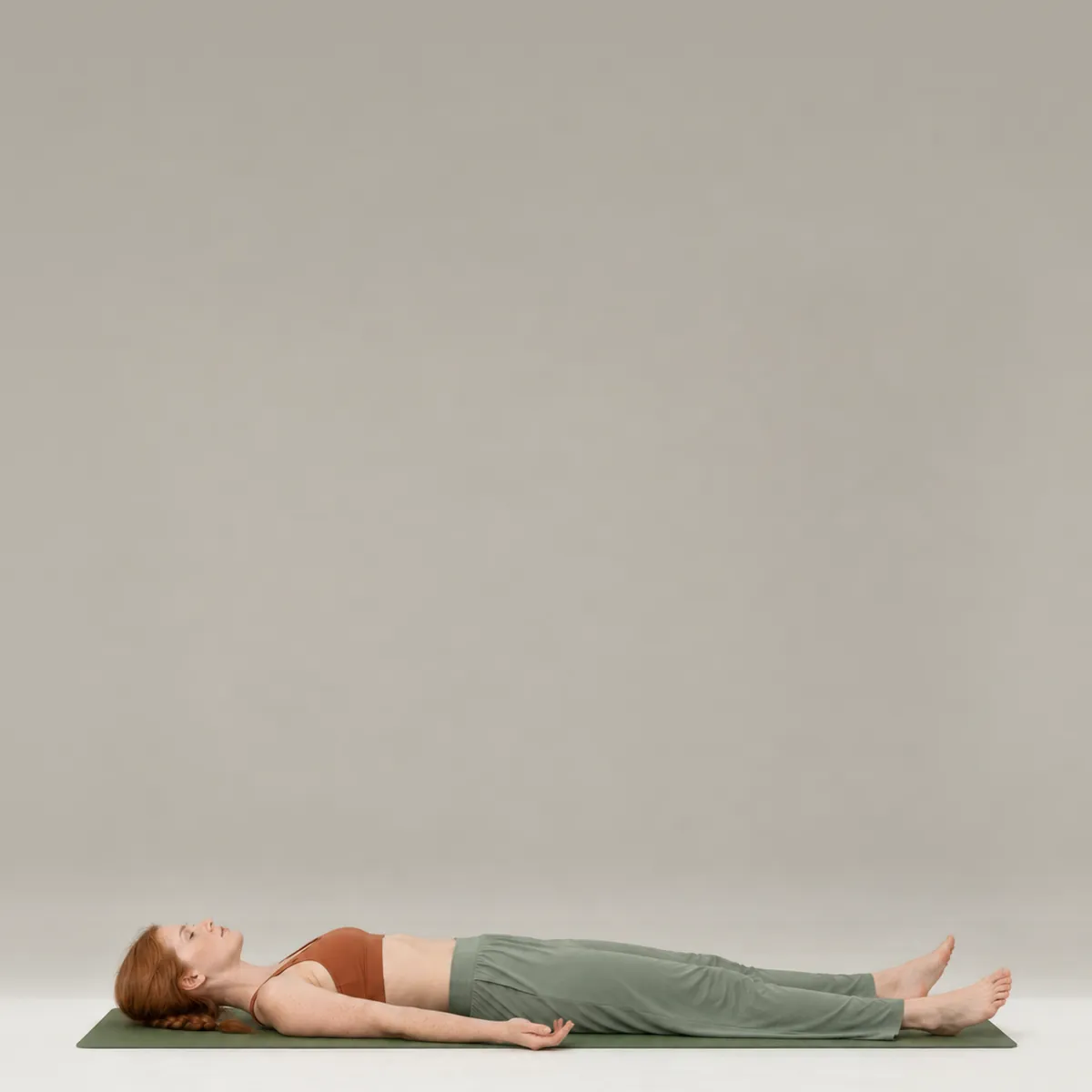
A woman resting in corpse pose on a green yoga mat, lying flat on her back

What we do not do.

  • We do not sell your personal data.
  • We do not show ads.
  • We do not track you across other apps or websites.
  • We do not use your data for advertising.

Health data read from Apple Health is never sent to our servers, never used for advertising or marketing, and never sold or shared.

What you control.

No name needed
Kova creates an anonymous account with a random ID. Sign in with Apple or Google only if you want to, and Apple lets you hide your email.
Download your data
You → Data & privacy → Download my data.
Share movement data
Off by default. Turn it on or off at any time in You → Data & privacy → Share movement data.
Delete everything
You → Data & privacy → Delete everything. It permanently removes your account, all synced data, any movement data you shared, and everything on your device. Cancel any subscription separately in the App Store.
Ask us directly
Email privacy@flowwithkova.com to use your rights to access, correct, delete, or export your data, or to object to product analytics. We respond within 30 days.
Retention and deletion

Four questions to ask any camera fitness app.

What to look for

Does the camera feed stay on the device?

Kova: Yes. Pose tracking runs entirely on your iPhone or iPad, and the feed is never uploaded.
Is video stored anywhere?

Kova: Not on our servers. If you choose to save session video, it goes to your own Photos library and stays on your device.

Can it explain what leaves the device, and why?

Kova: Account data syncs so your plan can adapt and follow you across devices. Product analytics events go to PostHog, never with your name, notes or anything the camera sees. Body points leave only if you turn on Share movement data. The optional AI coach sends answers and summaries only with your consent. The policy names every provider.

Does it separate wellness from medical advice?

Kova: Yes. Kova is a wellness and fitness coaching app. It is not a medical device and does not diagnose injuries.

Free to download. Every practice needs Kova Plus, which starts with a 3-day free trial for new subscribers, then $9.99 a month or $89.99 a year in the US App Store.

See pricing

Privacy questions, answered.

All questions

By Fayeed PawaskarUpdated

What makes Kova private?

Kova is designed around on-device pose tracking, so camera-based form coaching does not require uploading or storing workout video.

Does Kova still use account data?

Yes. Kova keeps your account, practice history and settings in its database, and uses PostHog product analytics to see which screens and features are used. Pose tracking runs on your device: your camera video and images are never uploaded, and body points leave your device only if you turn on Share movement data, which is off by default.

Is Kova a medical app?

No. Kova is a wellness and fitness coaching app, not a medical device.

Practice
in private.

Download Kova on your iPhone or iPad today. It is free to download, and Kova Plus starts with a 3-day free trial for new subscribers.

Download on the App Store
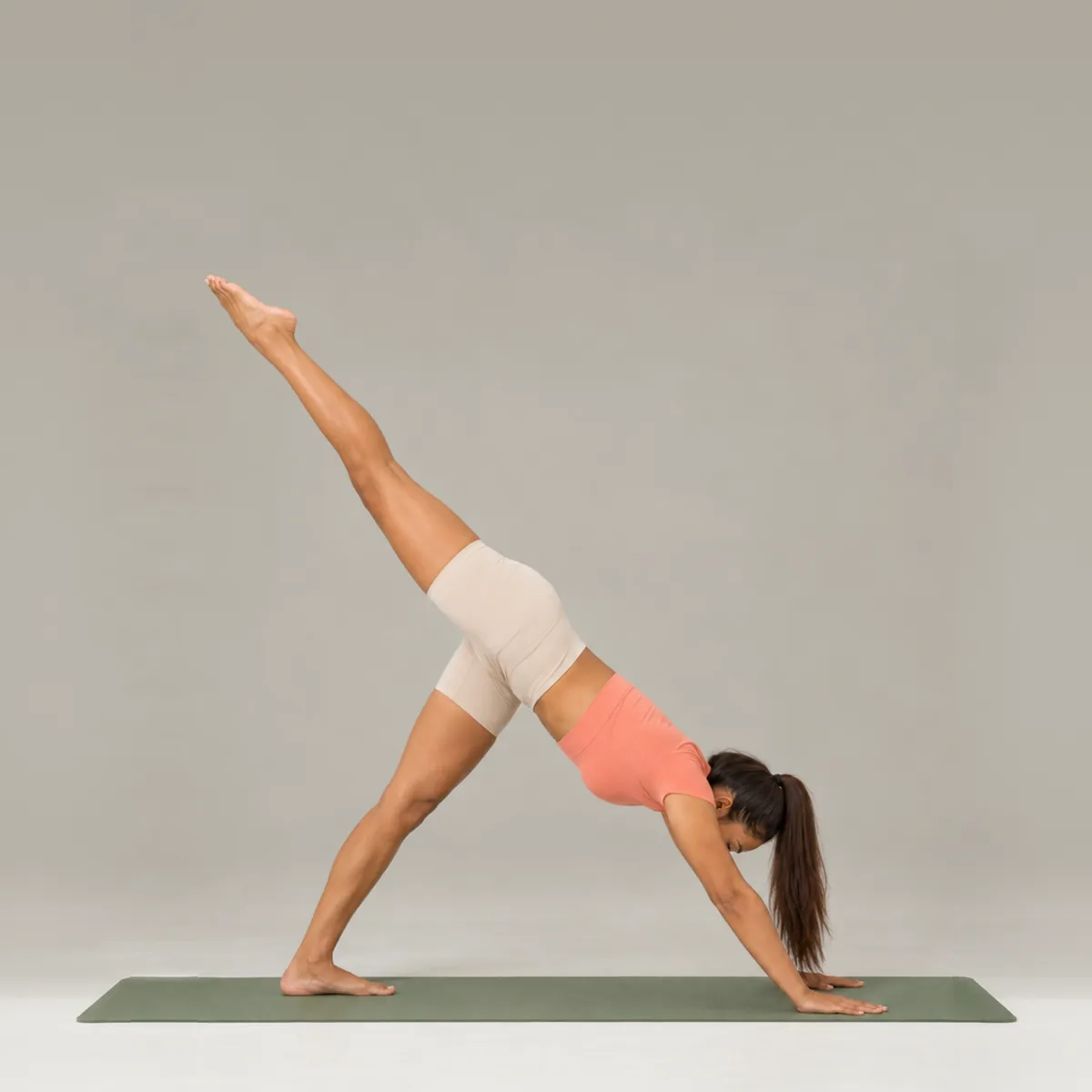
A woman in three-legged dog on a green yoga mat, one leg lifted high behind her