Skip to content
iPhone Yoga App

An iPhone yoga app for the phone near your mat.

Kova turns your iPhone or iPad into a private yoga and pilates coach with real-time cues, adaptive plans, and breath-led practice.
Download on theApp StoreiPhone & iPad · iOS 17+ · Available now
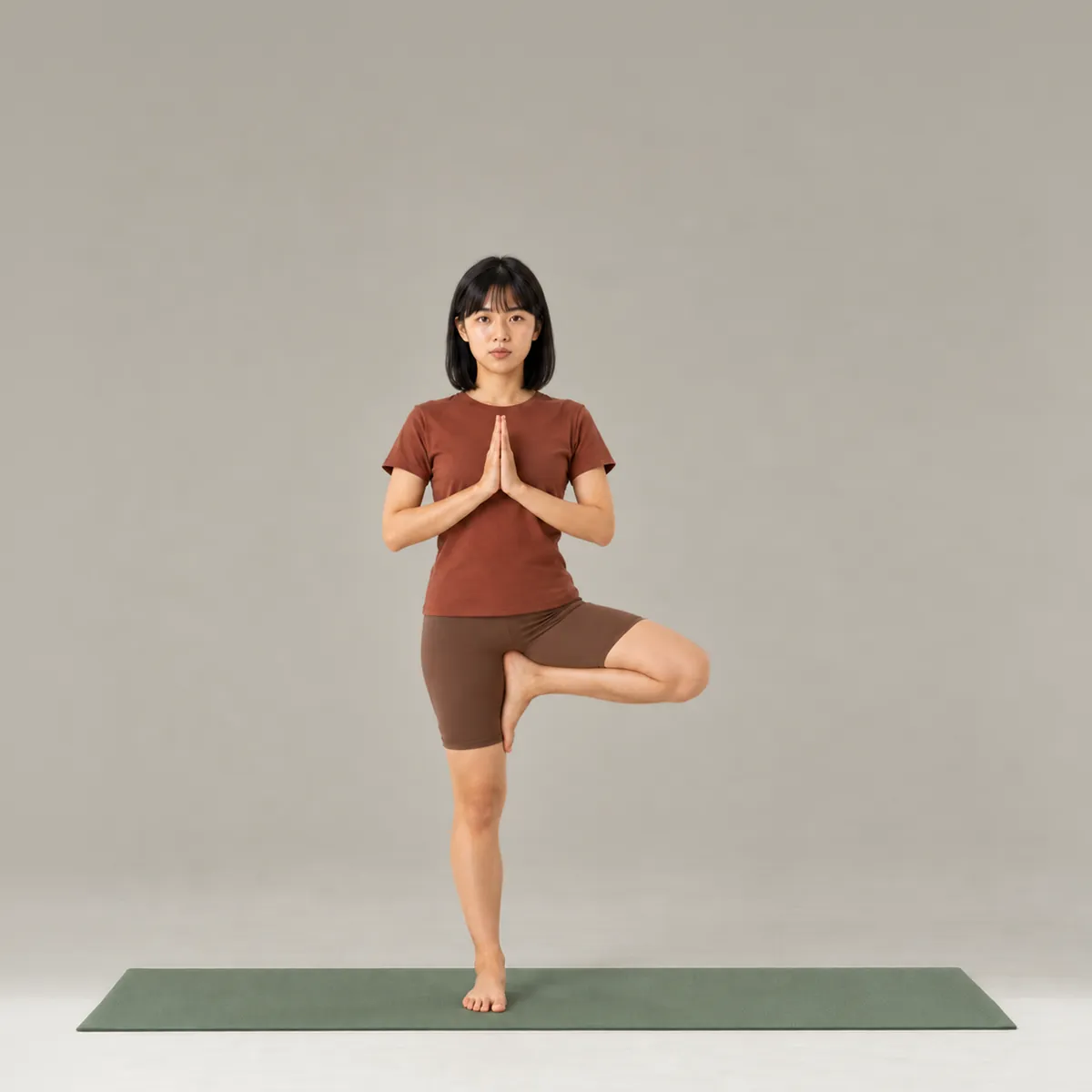
A woman balancing in tree pose on a green yoga mat, one foot on the inner thigh and palms together at her chest

Setup

Prop it up and start moving in a minute or two.

Kova is designed for a simple home setup: a mat, your iPhone or iPad, and enough space for the camera to see your full body.

The full setup guide
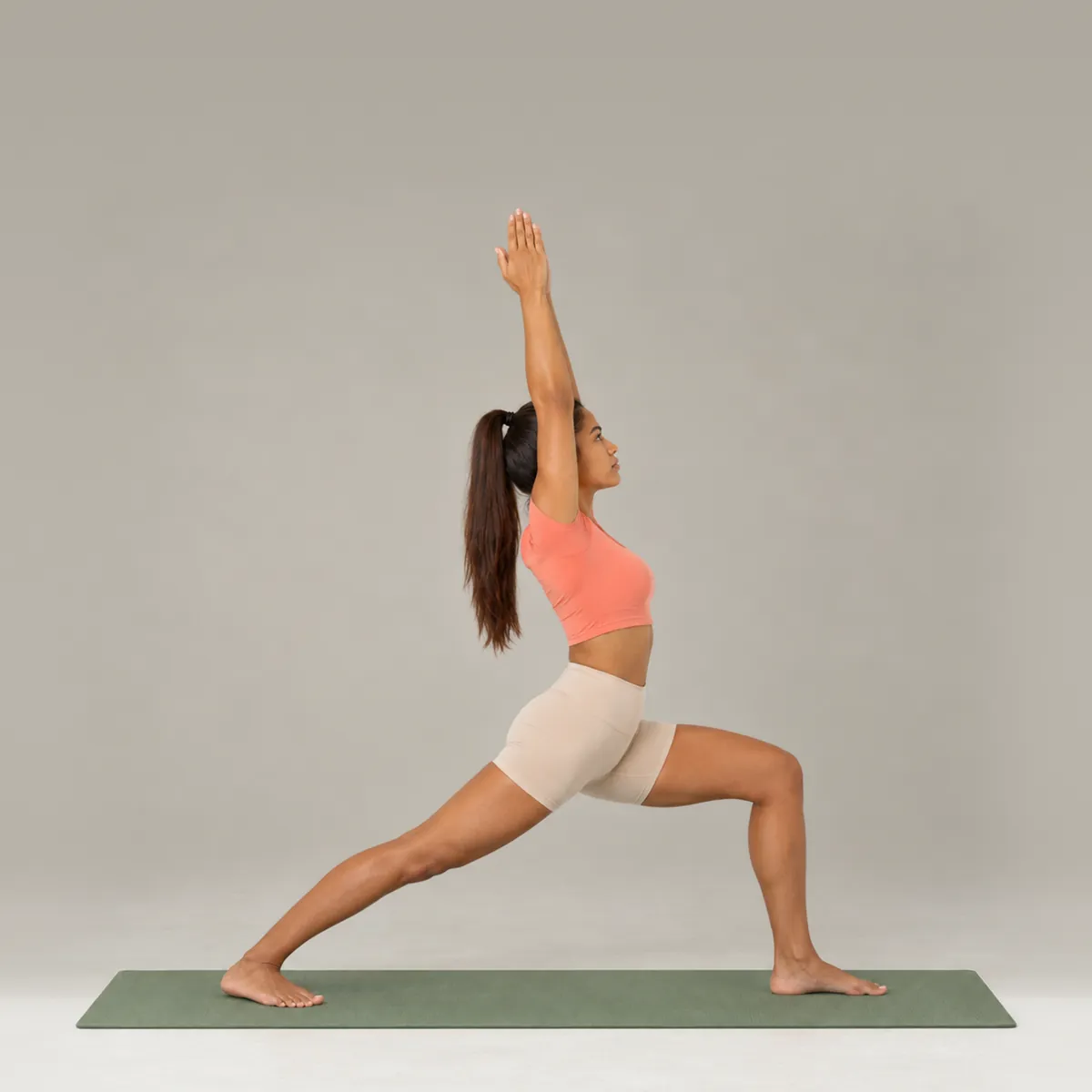
A woman in Warrior I on a green yoga mat, front knee bent and arms reaching overhead
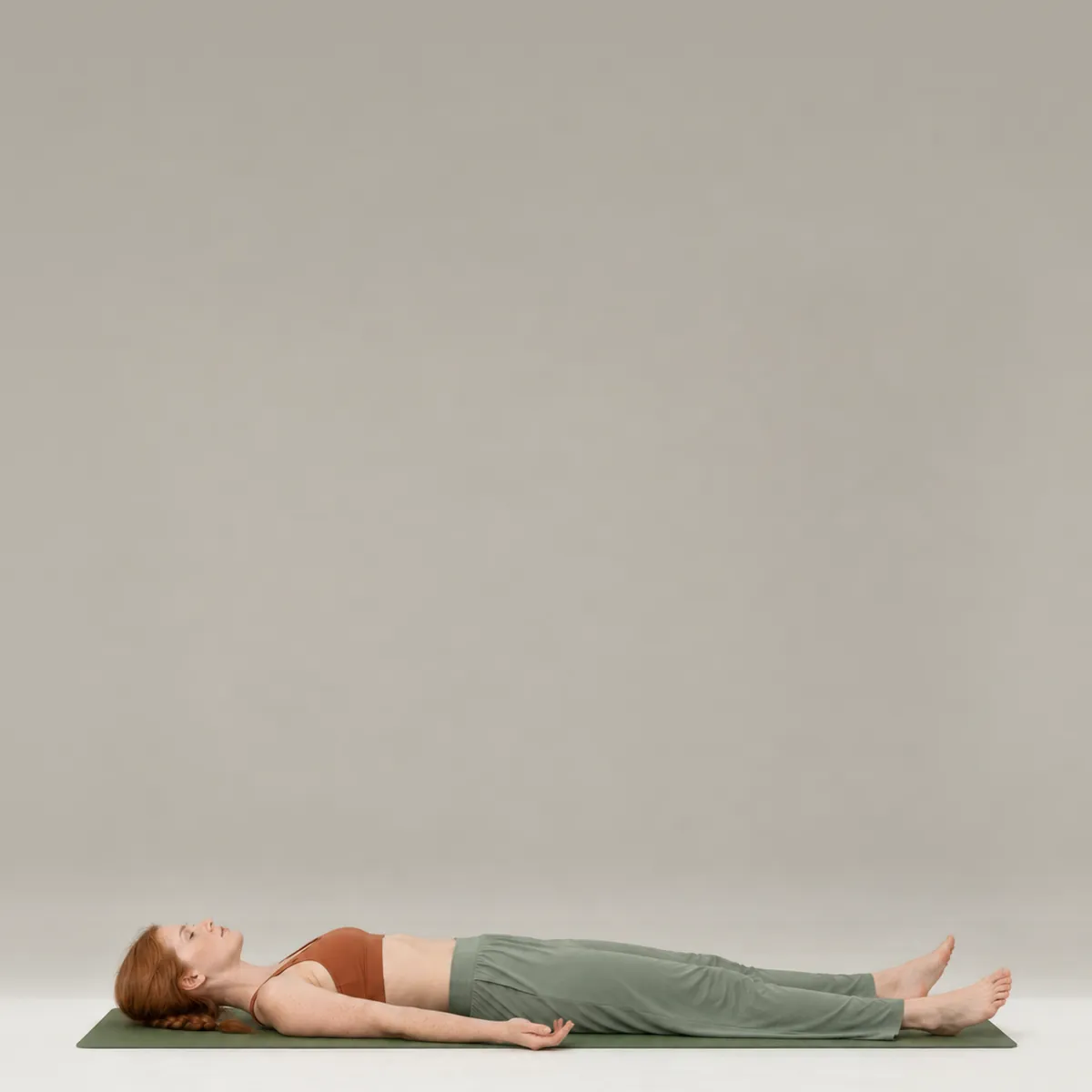
A woman resting in corpse pose on a green yoga mat, lying flat on her back
The frame check. Arms overhead standing, arms extended lying down. If any part of you leaves the frame, move the phone back.
  1. 01

    Choose the spot

    You need room for your mat and a clear line from the camera to your whole body. Move any chair, coffee table, or plant away from the edge of the mat. A plain wall behind you helps more than you might expect.

  2. 02

    Two to three metres away

    Stand your iPhone or iPad upright, 2 to 3 metres from the mat, so there is a little space around you in every pose.

  3. 03

    Upright, steady, screen toward you

    Rest it somewhere stable, like a low shelf, a table, or a stand, so it does not slip mid-session. Keep the screen facing you so you can glance at demos and your form score.

  4. 04

    Light in front of you

    A window or lamp behind the phone is ideal. A bright window directly behind you turns you into a silhouette. Fitted clothing that contrasts with the wall and floor helps the camera read your joints.

  5. 05

    Check the frame

    Stand on your mat and reach your arms overhead, then lie down with your arms extended. If any part of you leaves the frame, move the phone back.

Kova guides camera placement before each session begins, so you know you are set up before you start moving. Once you find a spot that works, keep it. Leave the stand where it lives and setup becomes a 30-second habit.

If something feels off

Coaching loses track of you
Check that your whole body is in frame and lit from the front, then move the phone a little further back. That fixes most issues.
Cues feel less precise
Loose clothing that hides your knees or elbows can make tracking less precise. Something more fitted helps.
No camera today
Switch to audio-only mode from the session screen and keep full breath pacing and verbal cues.

More personal than a video library.

A thoughtful intake helps Kova lay out a path of seven stages toward up to three goals you pick, shaped around your experience, injuries, props, and available days. Each class is designed for that day.

9:41
Your plan is ready
The Grounded Beginning

Seven stages to build mobility in your hips and lower back, woven with calm pilates core work.

4
per week
25
min avg
Stage 1 · Foundations
Grounding flows & breath
now
Stage 2 · Opening
Hip mobility & core
next
Stage 3 · Strength
Stability & balance
locked

01 · Your plan

Seven stages, laid out

After a short intake, Kova lays out your path: seven stages that build toward up to three goals you pick. Each class is designed for that day, around what you completed.
9:41
Sunday · June 22
Good morning, Maya
K

Your hips felt tight last time. I’ve kept today gentle, so we’ll ease in with some long-held openers. 🌿

Stage 1 · Day 3
Grounded Hips & Breath
25 min·Gentle·12 poses
6
day streak
3/4
this week
K

Pigeon reached 3:20 yesterday, your longest hold yet. Left hip is next today 🌿

Rest of this week
Fri
Evening Wind-down
20 min
Sat
Rest
optional
Sun
Hip & Core Flow
25 min
Today
Routines
Library
Progress
You

02 · Today

A note from your last session

Each day opens with a short note that reflects how your last practice went, then today’s session, its pace, and how many poses it holds.

9:41
✕
Warrior II
Virabhadrasana II · pose 5 of 12
92FORM
Bend your front knee a little deeper. Stack it over the ankle.
Breathe in
hold the pose · 0:24
?Not sure how to do this pose?
Up next
Triangle Pose
❚❚

03 · On the mat

Live coaching

While you move, the screen shows a live form score, breath pacing, and what is up next. If a cue does not land, tap “Not sure?” for a quick demo.

9:41
Stage 1 of 7 · Foundations
Your week
M
✓
T
✓
W
T
F
S
S
Morning Grounding
Mon · 22 min · completed
✓
Core Pilates Flow
Tue · 25 min · completed
✓
Grounded Hips & Breath
Today · 25 min · up next
▶
Evening Wind-down
Fri · 20 min · restorative
Today
Routines
Library
Progress
You

04 · Your week

A rhythm you can see

One calm view of the week: what you have done, what is next, and the gentler sessions in between.
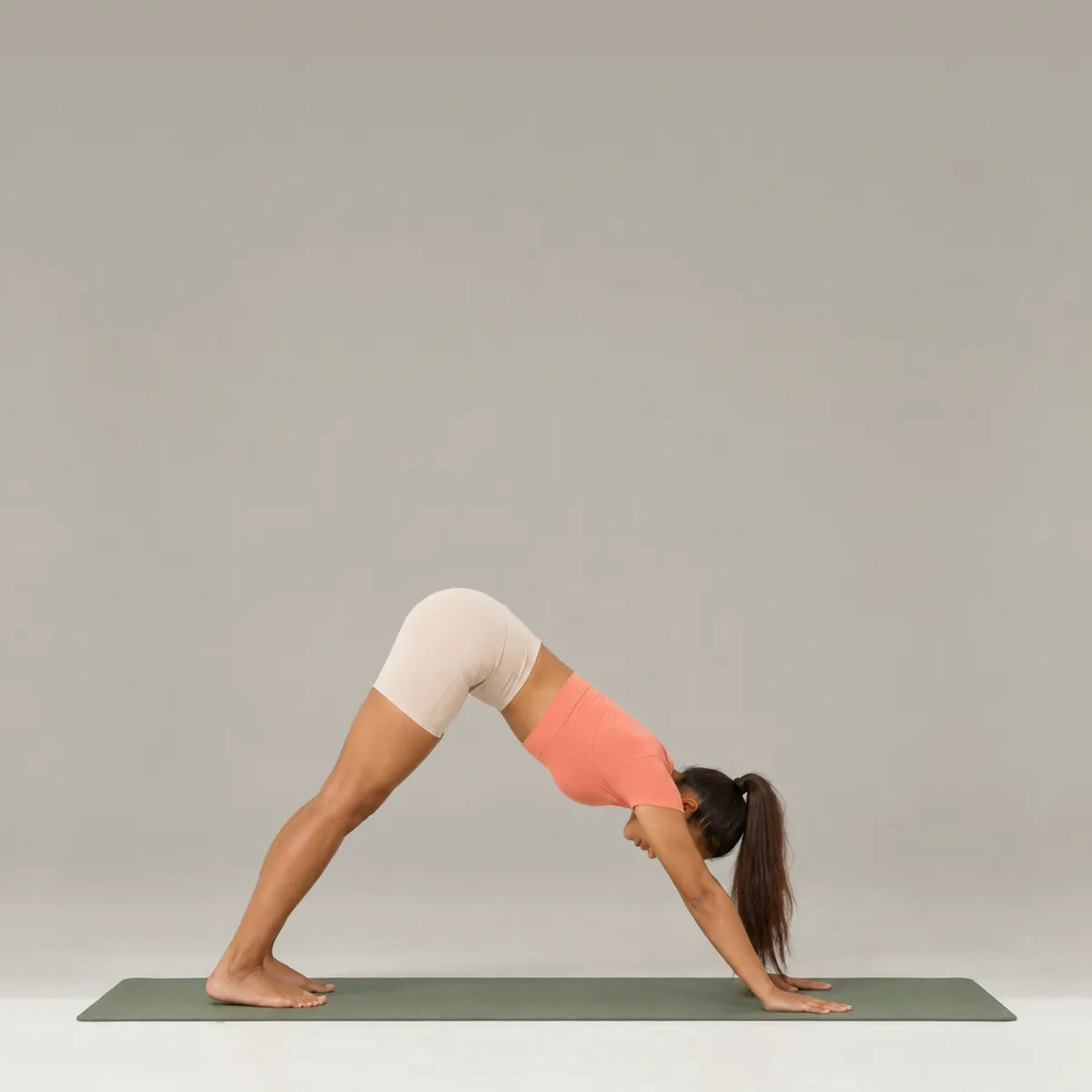
A woman in downward facing dog on a green yoga mat, hips lifted and heels reaching toward the floor

iPhone and iPad

One coach, whichever screen you prop up.

Kova is an iOS yoga app built for iPhone and iPad running iOS 17 or later. Use the device you already have. An iPad gives you a bigger screen to glance at from the mat; an iPhone fits on almost any shelf. Your plan and practice history sync across your devices.

  • No studio equipment required
  • Mat-based yoga and pilates
  • Audio cues keep your eyes off the screen

The camera watches your form on your iPhone, and that is where it stays. Pose tracking runs on the device using the Neural Engine. Kova works with body landmarks, the positions of joints like hips, knees, and shoulders. Your camera feed is never uploaded and never leaves your iPhone, and body landmarks leave it only if you turn on Share movement data.

What you need, and what you don’t.

Available now on the App Store. Kova is available now on the App Store for iPhone and iPad.

Device
iPhone or iPad.
Software
iOS 17 or later.
Space
Room for your mat, with 2 to 3 metres between the mat and your device.
Equipment
A mat and a way to prop your device upright. Blocks or a strap are optional, and your plan can include them.
Camera
Optional. Every session also works in audio-only mode, with full breath pacing and verbal cues.
Android
Not available. Kova is focused on iPhone and iPad first.

Free to download. Every practice needs Kova Plus, which starts with a 3-day free trial for new subscribers, then $9.99 a month or $89.99 a year in the US App Store.

See pricing

iPhone and iPad questions.

All questions

By Fayeed PawaskarUpdated

Is Kova available on Android?

No. Kova is focused on iPhone and iPad first.

Which iOS version does Kova support?

Kova runs on iOS 17 or later.

Do I need equipment?

You need a mat and a way to prop your iPhone or iPad upright. Props are optional and can be included in your plan.

Prop it up,
and begin.

Download Kova on your iPhone or iPad today. It is free to download, and Kova Plus starts with a 3-day free trial for new subscribers.

Download on the App Store
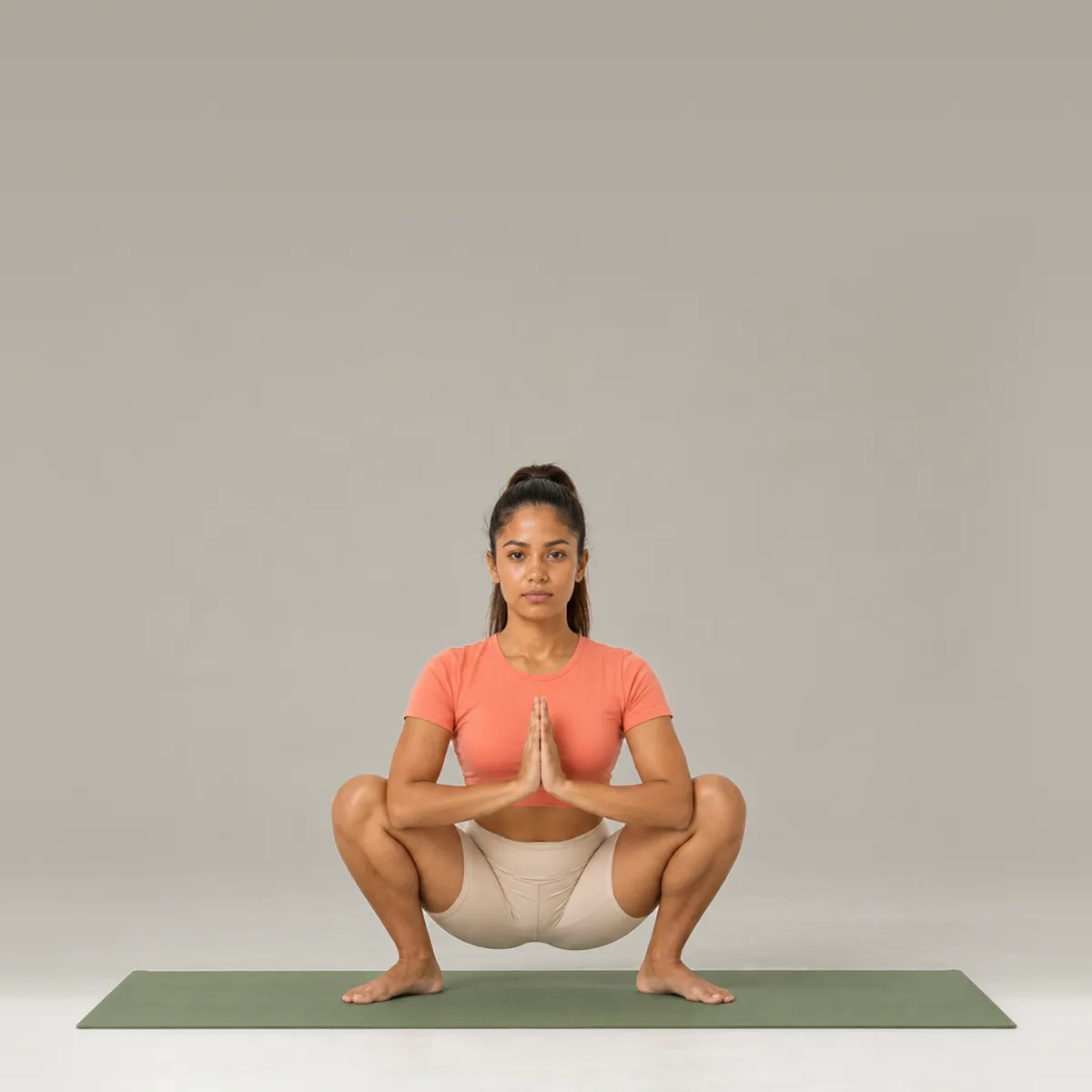
A woman in garland pose, a deep squat on a green yoga mat with palms together at her chest