Questions
Good to know.
Everything people ask us about Kova, from where to prop your phone to how billing works. Search for a word, or pick a topic. Still curious? Write to hello@flowwithkova.com.
Try , or .
Getting started
What Kova is, how to get it, and what your first practice needs.
What is Kova?
Kova is an AI yoga and pilates coaching app for iPhone and iPad. It watches your form through the camera, guides your breath, and remembers how you felt. Every session shapes the next.
When did Kova launch?
Kova came out on November 20, 2026. It is available now on the App Store for iPhone and iPad.
What happens when I first open Kova?
Setup starts with a short intake about your experience, goals, energy, injuries, and the props you own. Your answers shape a personalized path of seven stages that blends yoga and pilates and builds toward up to three goals you pick, and Kova guides camera placement before your first session begins.
The first-practice guideDo I need any equipment?
Just a mat and a way to prop your phone or iPad upright. During setup you can tell Kova which props you own.
I'm a total beginner. Is Kova for me?
Especially for you. The intake learns your experience level, and your plan starts with gentle foundations and plenty of guidance.
Yoga for beginnersDo I need to be flexible to use Kova?
No. Kova is designed for beginners and builds range gradually, with modifications such as bent knees or smaller ranges whenever a pose needs support.
Who makes Kova?
Kova is an independent app made by Fayeed Pawaskar. There is no ad business behind it: Kova does not sell your personal data, show ads, or track you across other apps and websites.
Devices and setup
What Kova runs on, and how to place your phone or iPad so it can see you clearly.
Which devices does Kova support?
Kova is built for iPhone and iPad running iOS 17 or later. There is no Android version.
Is Kova available on Android?
No. Kova is focused on iPhone and iPad first.
Where should I put my phone?
Stand your iPhone or iPad upright 2 to 3 metres from the mat, on something stable like a low shelf, a table, or a stand. To check the framing, reach your arms overhead, then lie down with your arms extended. If any part of you leaves the frame, move the phone back.
How to set up your phoneWhat lighting and clothing work best?
Light in front of you, from a window or lamp behind the phone, is ideal. A bright window directly behind you turns you into a silhouette. Fitted clothing that contrasts with the wall and floor helps the camera read your joints, while loose layers that hide your knees or elbows can make tracking less precise.
Kova can't see me, or tracking is off. What can I do?
Stand your phone upright 2 to 3 metres away, with your whole body in frame and light in front of you. Moving the phone a little further back fixes most issues. You can also switch to audio-only from the session screen.
Does Kova work with Apple Health?
Yes, with your permission. Kova saves finished practices to Apple Health as yoga workouts, with their date, duration and routine name. It also reads workouts you allow, only to show a recent workout preview. Those workouts never count toward your Kova history or streaks. Health data read from Apple Health stays on your device.
Coaching and form
How Kova reads your alignment, what the cues sound like, and what a camera can and cannot see.
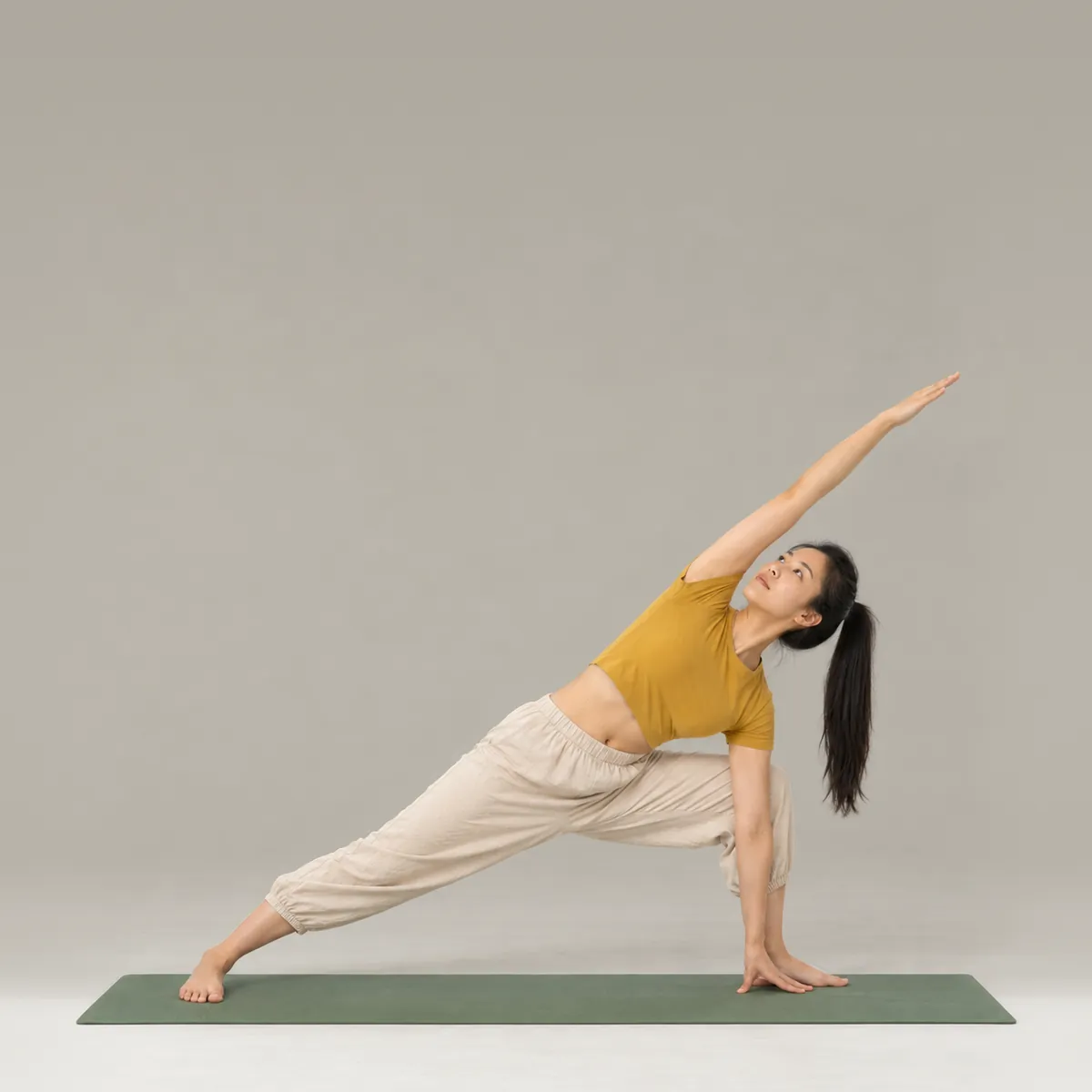
How does the form coaching actually work?
Prop your device up so it can see your whole body. Kova uses on-device pose estimation to read your alignment in real time and offers gentle, spoken cues.
What does Kova notice while I hold a pose?
Things like whether a front knee tracks over the toes or drifts inward, whether the hips stay level, whether the lower back is arching or the ribs are flaring, and whether the neck stays long. Not every wobble needs a correction, so Kova chooses the one adjustment that will make the biggest difference right now and says it calmly.
What is the live form score?
It shows how a pose is settling. The score rises as your alignment settles, so you know when a cue has landed without looking for a mirror. It is there to help, not to grade you.
What if I don't understand a cue?
Tap “Not sure?” for a quick demo of the shape you are working toward, then try again.
What is breath pacing?
Gentle audio cues time each inhale and exhale to the movement, so your breath leads the practice and you are not racing a timer.
Can I choose how much coaching I get?
Yes. You can practice with full coaching, audio-only mode, or a quieter cue style depending on the day. Full coaching gives you spoken form cues, a live form score, and breath pacing.
Can I practice without the camera on?
Yes. Every session has an audio-only mode with full breath pacing and verbal cues.
How accurate is camera-based pose detection?
It works best with good lighting, a full-body view, and fitted clothing. Kova sees visible alignment only, and its camera feedback can be wrong. It is built for home practice guidance, not clinical measurement.
How pose detection worksCan Kova replace a yoga teacher?
No. Kova supports at-home practice with form cues and plans, but it does not replace hands-on instruction, medical advice, or clinical care. A camera cannot feel a muscle gripping or guide you with a hand.
What an AI coach doesPlans and practice
How your path of seven stages is built, how each class is designed for that day, and what a day with Kova looks like.
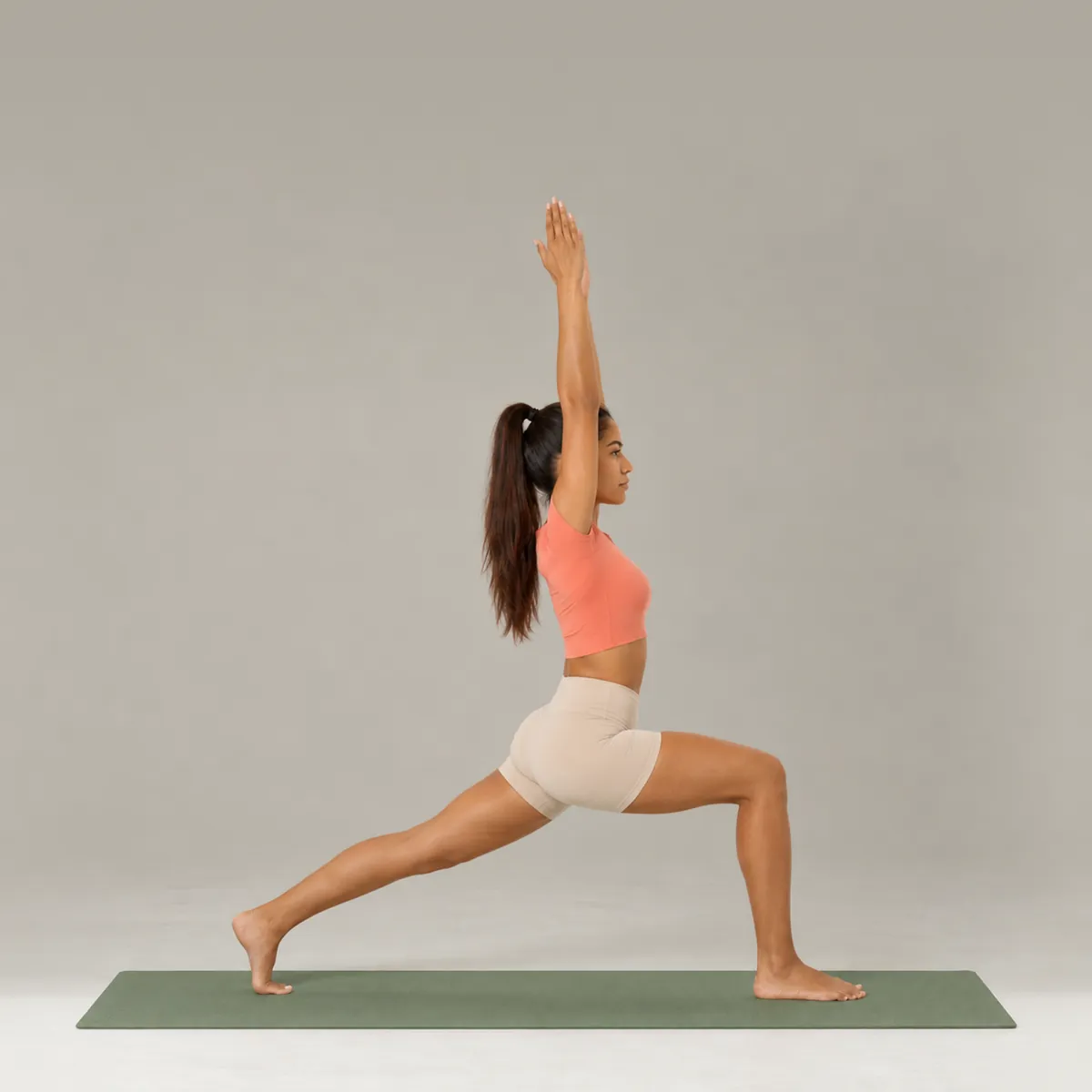
How is my plan built?
A short intake learns your experience, your goals, the injuries you are working around, and the days you can realistically show up. Kova turns that into a personalized path of seven stages that builds toward up to three goals you pick: gentle foundations first, deeper work as you grow.
Does my plan change over time?
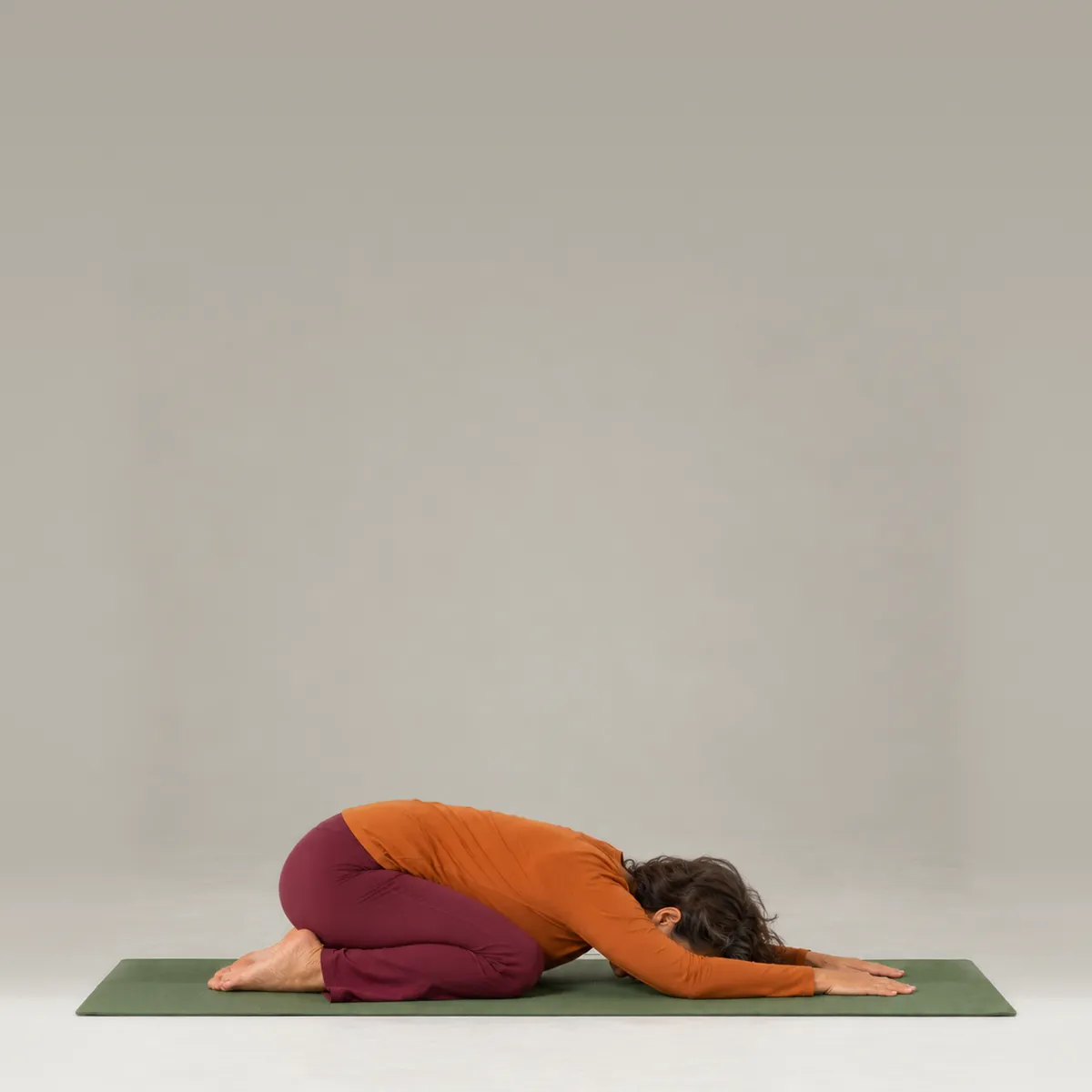
Yes. Kova designs each class for that day around what you completed and how it felt, so a tender day can lead to a gentler tomorrow. In any session, child's pose is your rest, for as long as you need.
What will I see each day?
Each day opens with a short note that reflects how your last practice went, then today's session, its pace, and how many poses it holds. Your plan shows your path of seven stages and the goals it builds toward.
How long are sessions?
Sessions are built to fit an ordinary day, and your plan adapts to the days and time you have available.
Does Kova track my progress?
Yes, gently. Kova keeps your streaks and weekly rhythm without guilt, tracks progress pose by pose, and carries your wins and tender spots forward into the next session.
Can Kova remind me to practice?
Yes. Reminders are local notifications scheduled on your device.
Yoga and pilates
How Kova blends the two, what kind of pilates it covers, and where to learn individual poses.
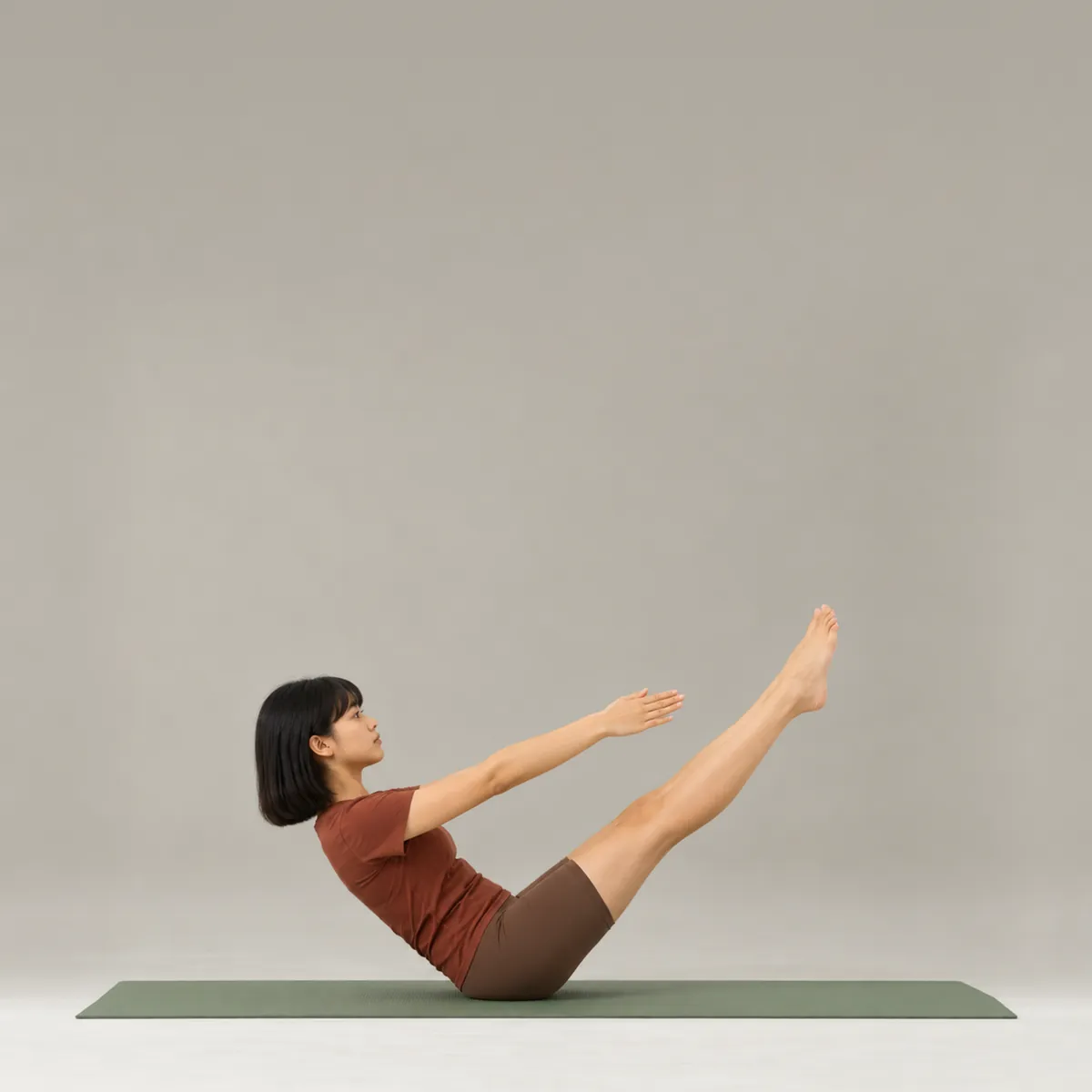
Yoga, pilates, or both?
Both, blended. Your plan weaves mobility-focused yoga with stability-focused pilates based on how you want to feel.
Is Kova for mat pilates or reformer pilates?
Kova focuses on at-home mat pilates, so there is no machine to buy. A mat and a way to prop up your phone or iPad is enough.
How many poses does Kova include?
Kova includes 312 guided yoga and pilates poses, each with step-by-step cues, modifications, and coach notes.
Can I learn the poses before I start?
Yes. The pose library on this site has step-by-step guides to common yoga poses and pilates exercises, with form checklists, common mistakes, modifications, and breath cues.
Browse the pose libraryAre there free routines I can try?
Yes. The routines page has free 10 and 15-minute yoga and pilates routines for mornings, bedtime, tight hips, lower back stiffness, sitting all day, and core strength, with hold times and form cues.
See the routinesIs it too late to start yoga after 40?
No. Many people start yoga in their 40s, 50s, and beyond. Starting gently and building gradually is what matters.
Yoga after 40Pose tracking runs entirely on your device. Your camera feed is never uploaded and never leaves your phone.
Privacy and data
What stays on your device, what is stored with your account, and the choices you control.
Is my camera feed private?
Completely. Pose tracking runs entirely on your device using the Neural Engine. Your camera feed is never uploaded and never leaves your phone. Body points leave your device only if you turn on Share movement data, which is off by default.
Does Kova record video of my practice?
No. Your camera video and images are never uploaded, never stored on our servers and never seen by anyone. If you turn on Save session video, silent practice videos are saved to your own Photos library and stay on your device.
Do my body points ever leave my device?
Only if you turn on Share movement data in You → Data & privacy. It is off until you turn it on. When it is on, the pose track of each practice (body points and your phone's tilt, never pictures or audio) is uploaded to our private storage on Cloudflare and used only to improve Kova's coaching. It is stored under a scrambled (hashed) version of your user ID, deleted after 12 months, and deleted straight away if you use Delete everything. You can turn it off at any time.
Camera and body dataWhat does Kova store?
Your onboarding answers, your practice history (routines and poses, durations, form scores, rep counts, corrections, how sessions felt, and optional notes), your subscription status and number of completed sessions, and a progress summary (your streak, this week and your badges) that our server on Cloudflare works out from your synced practice history. No AI model sees the progress summary. It is stored in Google Firebase, linked to your account, and used to run the app, keep your practice safe, adapt future sessions, and sync across your devices.
What we storeWhat is the optional AI coach?
The AI coach is off unless you agree to it in the app. With your consent, Kova sends our server your onboarding answers (including any injury note), notes you write after a practice, practice summaries (poses, times and form scores) and your progress (stages, how each pose is going, and flexibility scores worked out on your phone), to write your plans, reports and spoken coaching lines. Your camera, video and body tracking are never sent to the AI, and our servers do not keep what is sent. You can withdraw consent in the app at any time. Without it, you practise Kova's ready-made routines, still coached and adapted on your phone.
The AI coach in the privacy policyDoes Kova sell my data or show ads?
No. Kova does not sell your personal data, show ads, track you across other apps or websites, or use your data for advertising.
Does Kova use analytics?
Yes. Kova uses PostHog product analytics to understand which screens and features are used, so we can improve the app. Events are linked to your random user ID and never include your name or email, anything you type, injuries, health conditions, or anything the camera sees, and we do not record your screen. Analytics data is never used for advertising, never sold and never used to track you across other apps or websites. To object, or to have your analytics data deleted, email privacy@flowwithkova.com.
Product analytics in the privacy policyWhich service providers does Kova use?
Google Firebase for sign-in, the database, crash reports and App Check; RevenueCat for subscriptions; PostHog for product analytics; Cloudflare for our API server, downloads, the progress summary and, if you turn it on, shared movement data; and OpenRouter, Anthropic and TypeSafe for the AI coach, only with your consent. Your data may be processed in the United States and other countries where these providers operate.
Can I download or correct my data?
Yes. To get a copy, go to You → Data & privacy → Download my data. You also have the right to access, correct, delete and export your data, to withdraw your consent, and to object to product analytics. Email privacy@flowwithkova.com to use any of these rights, and we respond within 30 days.
Pricing and billing
What Kova Plus includes, what it costs, and how billing works through your Apple ID.
How much does Kova cost?
Kova is free to download. Every practice needs Kova Plus, which starts with a 3-day free trial for new subscribers, then costs $9.99 a month or $89.99 a year in the US App Store.
Compare plansWhat does Kova Plus include?
Unlimited practices, each one designed for you; live camera form coaching with real-time cues; pose-by-pose reports and long-term progress; and your practice synced across your devices.
How does the free trial work?
New subscribers start Kova Plus with a 3-day free trial, on the monthly or the yearly plan. The trial converts to a paid subscription unless you cancel at least 24 hours before it ends.
How does billing work?
Kova Plus is an auto-renewing subscription, monthly or yearly, billed and managed through your Apple ID. It renews automatically unless you cancel at least 24 hours before the current period ends. Purchases are processed by Apple, and we never see your payment card details.
What does Kova Plus cost outside the US?
The $9.99 and $89.99 prices are for the US App Store. Prices in other regions are shown in the App Store before you subscribe.
How do I cancel Kova Plus?
On your iPhone, open Settings > [your name] > Subscriptions > Kova > Cancel Subscription. Deleting the app or your account does not cancel your subscription.
Billing tasks, step by stepHow do I restore my purchase on a new device?
Make sure you are signed in with the same Apple ID, then in Kova open You → Membership → Restore purchases.
How do I get a refund?
Refunds are handled by Apple. You can request one at reportaproblem.apple.com.
Account and support
Signing in, moving between devices, deleting your account, and reaching a real inbox.
Do I need to create an account?
No sign-up is needed. The first time you open Kova, the app creates an anonymous account identified by a random user ID, so you do not need to give a name or email. If you choose Sign in with Apple or Google, we receive your name and email address, and Apple lets you hide your email with its relay address.
Can I use Kova on more than one device?
Yes. Your account data syncs so your plan can adapt and follow you across devices. To bring Kova Plus to a new device, sign in with the same Apple ID and use You → Membership → Restore purchases.
How do I delete my account?
In the app, go to You → Account → Delete account. This permanently deletes your account, all synced practice data and notes, and everything Kova stored on your device. It cannot be undone, and it does not cancel a Kova Plus subscription.
Delete your accountWhat if I can't open the app to delete my account?
Email privacy@flowwithkova.com with the subject "Delete my account", from the email address on your account or your Apple relay address. We delete your account within 30 days and confirm by email.
How old do I need to be to use Kova?
You must be 13 or older to use Kova (16 or older in the EEA and UK), with parental consent where the law requires it.
How do I contact support?
Email support@flowwithkova.com. We reply within 2 business days. If something isn't working, include your device and iOS version.
Use the support formI joined the earlier waitlist. Can my details be deleted?
Yes. If you joined the earlier Kova waitlist, you can request deletion of that information by contacting privacy@flowwithkova.com.
Kova offers movement guidance, not medical advice. Never move into pain, and stop if you feel pain, dizziness or unsafe discomfort.
Safety
What Kova is and is not, and how to practice within your range.
Is Kova medical advice?
No. Kova offers movement guidance. It is not medical advice, diagnosis or treatment, and it is not a medical device.
Is Kova safe if I have an injury?
Kova lets you note injuries and tender spots, and offers modifications. It is not a medical device and does not diagnose injuries, so check with a healthcare professional about specific conditions.
I'm pregnant, postpartum, or recovering from surgery. Can I use Kova?
Check with a healthcare professional before you start. In the intake you can choose to share conditions like these, and Kova uses your answers to keep your practice safe, for example by keeping unsuitable poses out of your plan.
What should I do if a pose hurts?
Come out of it. Move within your range and never into pain, and stop if you feel pain, dizziness or unsafe discomfort. No cue outranks what your body is telling you.
Is the AI coach professional advice?
No. Optional AI features generate plans and text, and this output may be imperfect. It is not professional advice, and Kova's safety rules still decide which poses you are offered.
Still have questions?
Write to a real inbox. Pick whichever fits, and we'll take it from there.
Anything at all
Questions, ideas, or feedback.
Help with the app
Billing, tracking, or your account. We reply within 2 business days.
Press
Interviews and launch details.
Ready when
you are.
Download Kova on your iPhone or iPad today. It is free to download, and Kova Plus starts with a 3-day free trial for new subscribers.
Download on the App Store