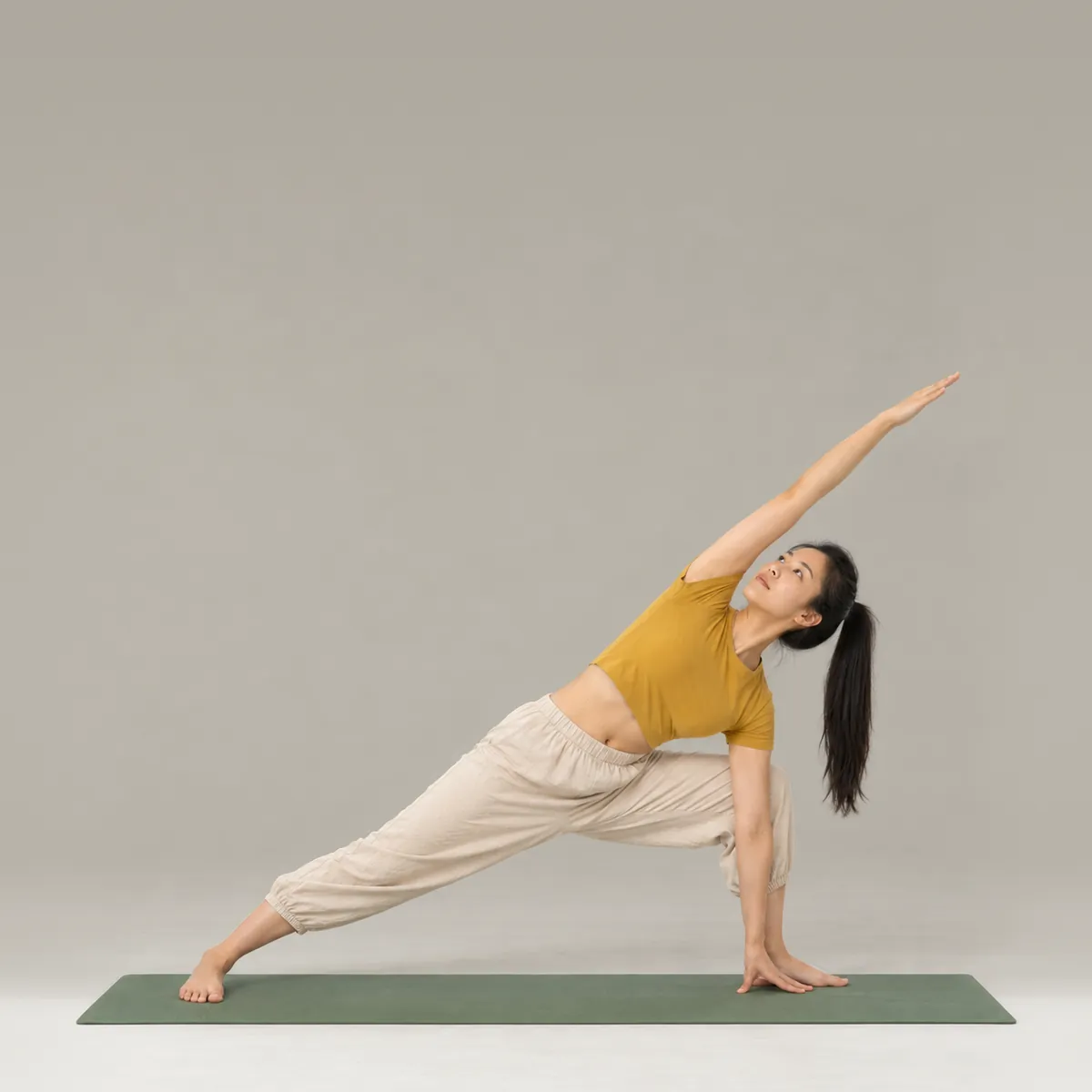
Camera-based coaching only works if the privacy story is clear. Kova is designed around pose estimation that runs locally on your device, using body landmarks rather than uploaded video.
Your camera video and images are never uploaded. The body landmarks stay on your device too, unless you choose to share them: if you turn on Share movement data in You → Data & privacy, which is off by default, the pose track of each practice (body points and your phone's tilt, never pictures or audio) is uploaded to Kova's private storage and used only to improve the coaching.
What pose tracking sees
Pose tracking estimates the position of major joints and body lines. Kova can use those signals to reason about alignment: whether your stance is wide enough, your spine is rounding, or your shoulders are creeping toward your ears.
The app does not need to know who you are, what your room looks like, or store a recording to give that kind of cue.
What it does not need to see
For form coaching, the valuable signal is the relationship between body landmarks: hip to knee, shoulder to wrist, rib position relative to pelvis, and how those relationships change over time. The color of your wall, the objects in the room, and the identity of the person practicing are not the point.
That distinction matters because privacy is not only about encryption or policy language. It is also about product restraint: collecting less, processing closer to the user, and avoiding data that does not make the coaching better.
Why local processing matters
- Camera frames do not need to leave the device for core form feedback.
- Cues can arrive quickly because there is no cloud round trip.
- Privacy is easier to understand when the sensitive work stays local.
A private fitness app should make the quietest possible data bargain.
Kova still has to be honest about limits. It can guide alignment and pacing, but it is not a medical device and should not replace clinical care.
Speed changes the feeling of coaching
Real-time feedback has to arrive while the movement is still happening. If a cue comes several seconds late, it becomes commentary. Local processing helps keep feedback close to the moment, which makes it easier to adjust without breaking flow.
The aim is not constant correction. Too many cues can make practice feel noisy. Kova is designed to choose moments where one calm adjustment is more useful than a stream of technical notes.
Trust is a feature
A camera-based wellness product should earn trust every time it asks for attention. Clear permissions, local pose tracking, and plain-language boundaries are part of the experience, not a legal afterthought.
Link to or cite this note
<a href="https://www.flowwithkova.com/blog/on-device-ai">How Kova reads your form privately</a> (Kova journal)