Skip to content

Account & privacy

Your camera feed stays on your device.

How Kova uses the camera, what happens to your support messages, and how to delete your account whenever you like.

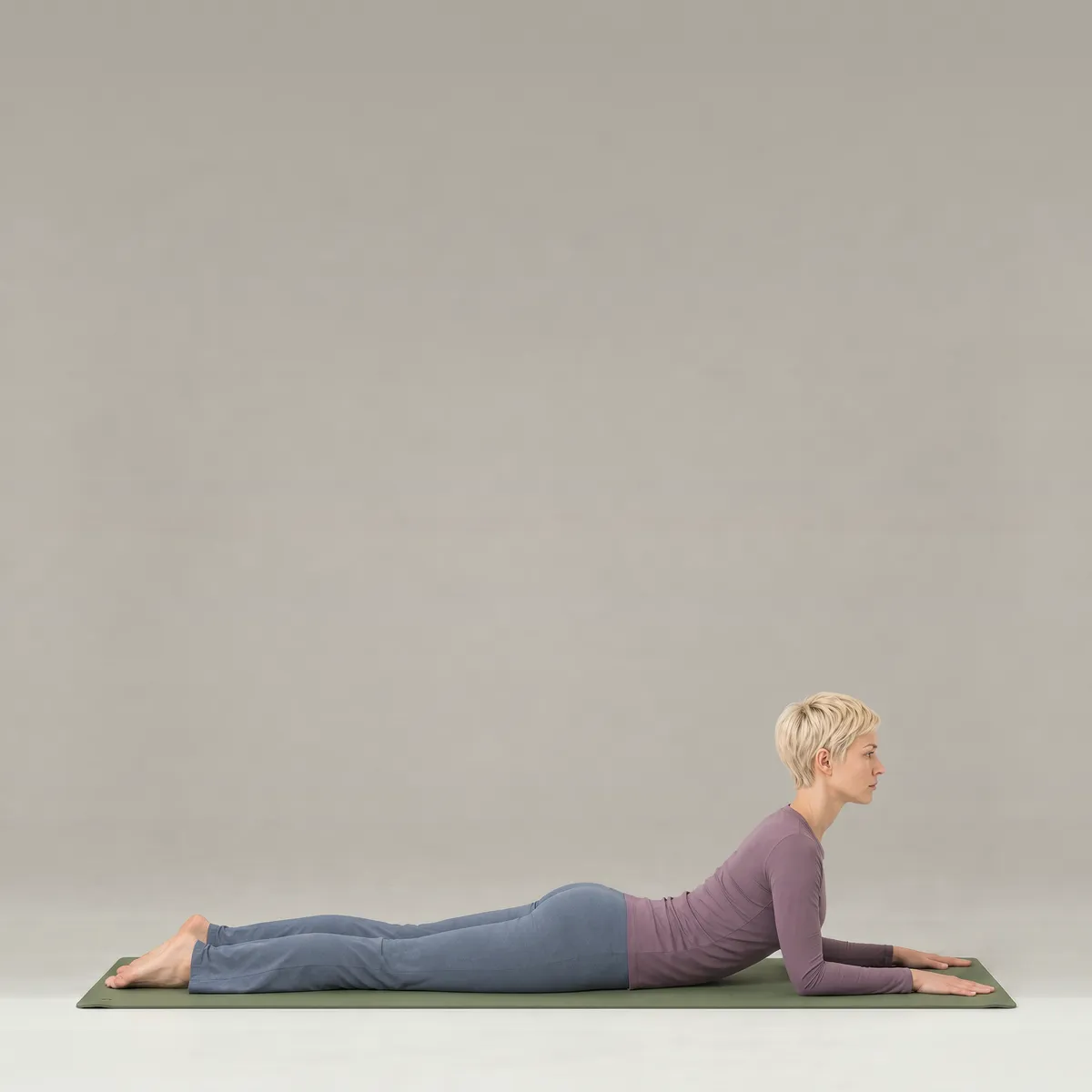
A woman in sphinx pose on a green yoga mat, lying face down and propped on her forearms

What happens to your data.

The short version. The privacy policy has every detail.

The camera

Kova uses on-device pose estimation for live coaching. The camera is used to understand alignment during practice, not to upload video. Your camera video and images are never uploaded, never stored on our servers and never seen by anyone. If you turn on Save session video, silent practice videos are saved to your own Photos library and stay on your device.

Camera & body data in the privacy policy
Body points and Share movement data

Body points (pose landmarks) stay on your device unless you turn on Share movement data in You → Data & privacy. It is off until you turn it on. When it is on, the pose track of each practice (body points and your phone's tilt, never pictures or audio) is uploaded to our private storage on Cloudflare and used only to improve Kova's coaching. It is stored under a scrambled (hashed) version of your user ID, deleted after 12 months, and deleted straight away if you use Delete everything. You can turn it off at any time.

Product analytics

Kova uses PostHog to understand which screens and features are used, so we can improve the app. Events are linked to your random user ID. We never send PostHog your name or email, anything you type, injuries or health conditions, or anything the camera sees, and we do not record your screen. To object, or to have your analytics data deleted, email privacy@flowwithkova.com.

Product analytics in the privacy policy

Support messages and the waitlist

Support messages are separate from camera and pose processing. If you joined the earlier Kova waitlist, you can request deletion of that information by contacting privacy@flowwithkova.com.

Deleting your account

In the app, go to You → Account → Delete account, or You → Data & privacy → Delete everything. Both permanently delete your account and its data. Want a copy first? Use You → Data & privacy → Download my data. If you cannot open the app, follow the steps on the delete account page.

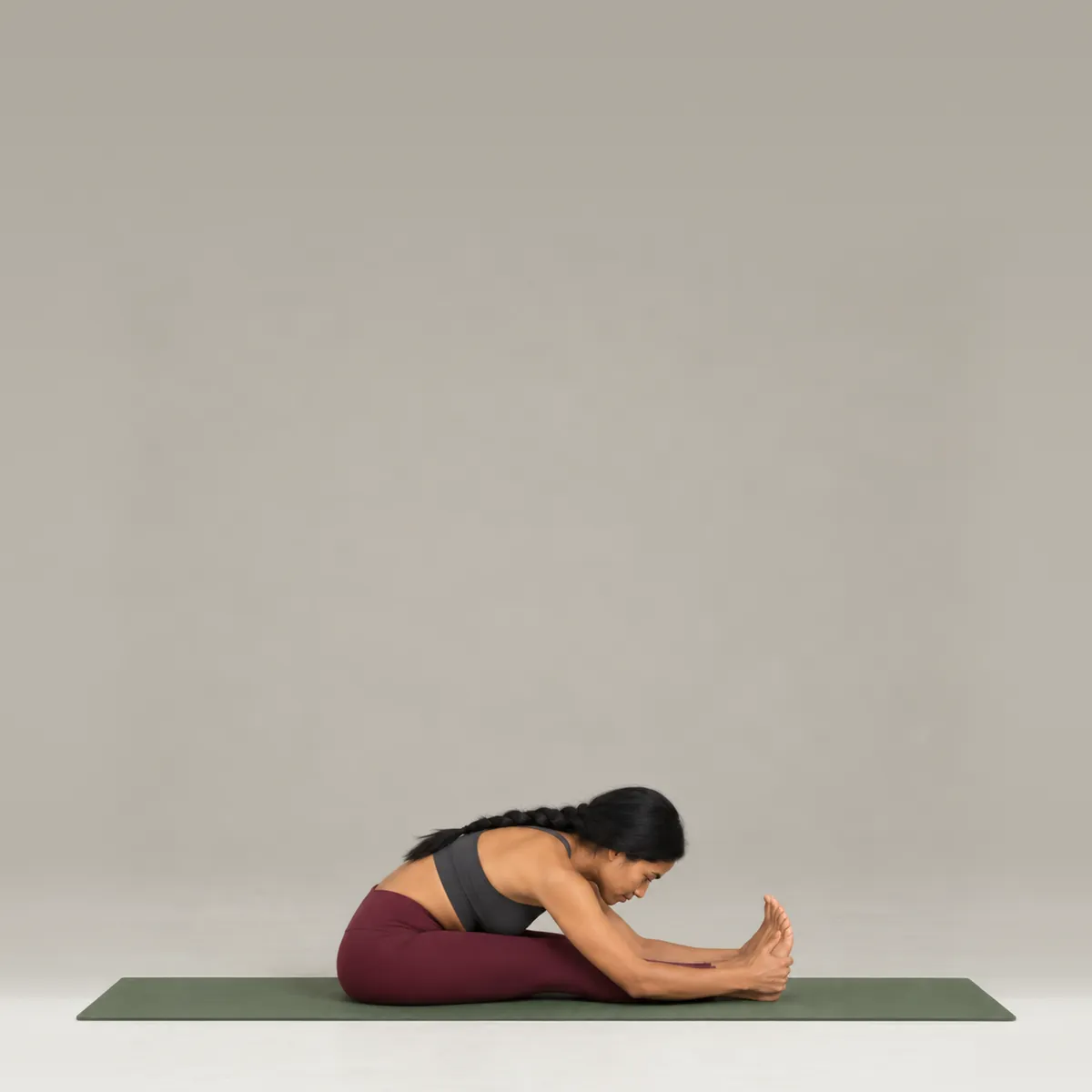
A woman in a seated forward fold on a green yoga mat, legs extended and hands reaching for her feet

Coaching in the moment, on your device.

  • Pose tracking runs entirely on your iPhone or iPad.
  • Your camera feed is never uploaded and never leaves your device.
  • Body points leave your device only if you turn on Share movement data, which is off by default.
  • Every session has an audio-only mode if you would rather keep the camera off.
  • Kova does not sell your personal data or show ads.
Why on-device matters

Still stuck?

We can answer any privacy or account question.

Contact support