Getting started
Set up your first Kova practice.
From download to your first session, in five short steps. Everything here works on iPhone and iPad.
What you need
- An iPhone or iPad running iOS 17 or later
- A mat, and a way to prop your device upright
- About 2 to 3 metres of space in front of it
- Light in front of you, not behind
 01Step 1 of 5
Download Kova
Download Kova on the App Store for your iPhone or iPad. Kova is free to download, and every practice needs Kova Plus. Kova Plus starts with a 3-day free trial for new subscribers.
 02Step 2 of 5
Answer a short intake
When you first open Kova, setup starts with a short intake about your experience, goals, energy, injuries, and available props.
- Why it matters
- Your answers shape a personalized path of seven stages that blends yoga and pilates and builds toward up to three goals you pick.
- Props
- Tell Kova which props you own, like blocks or a strap, and your plan can include them.
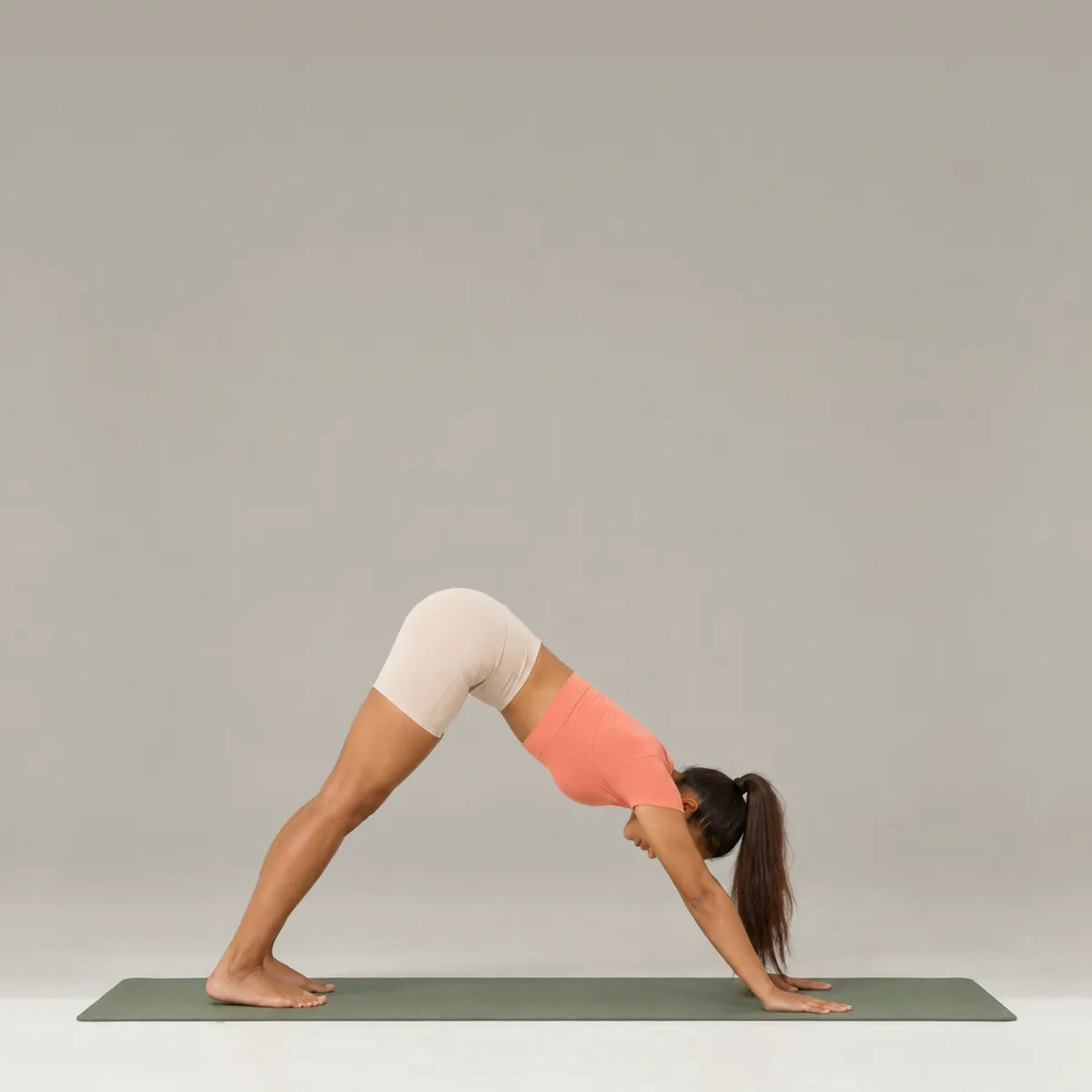
Whole body in frame. You're ready to begin.
03Step 3 of 5Place your iPhone or iPad
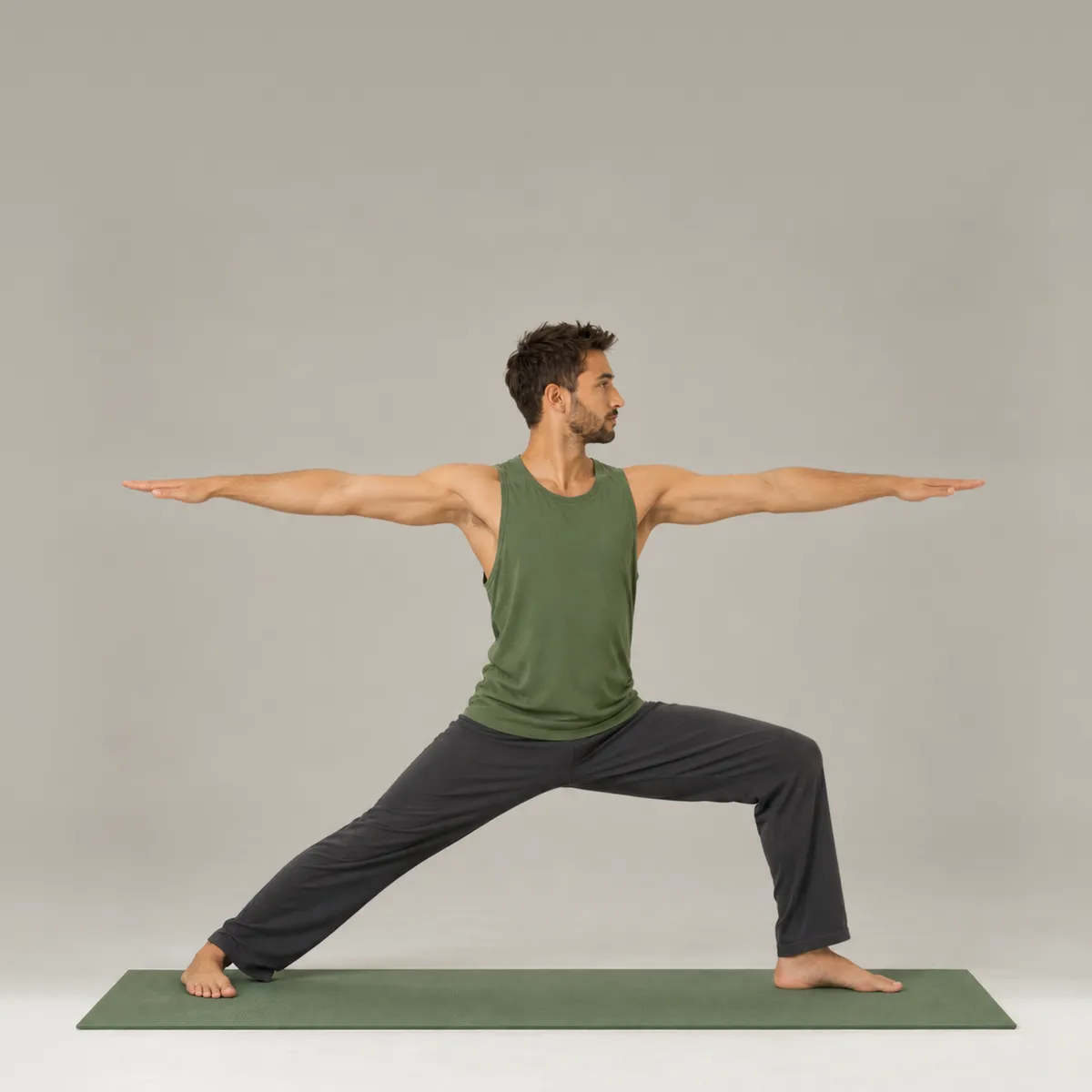
For live coaching, prop your iPhone or iPad upright where it can see your whole body on the mat. Kova will guide camera placement before the session begins.
- Distance
- Stand your device upright 2 to 3 metres away.
- Framing
- Keep your whole body in frame, from hands to feet.
- Light
- Face the light, so it falls in front of you rather than behind.
 04Step 4 of 5
Choose how you’re coached
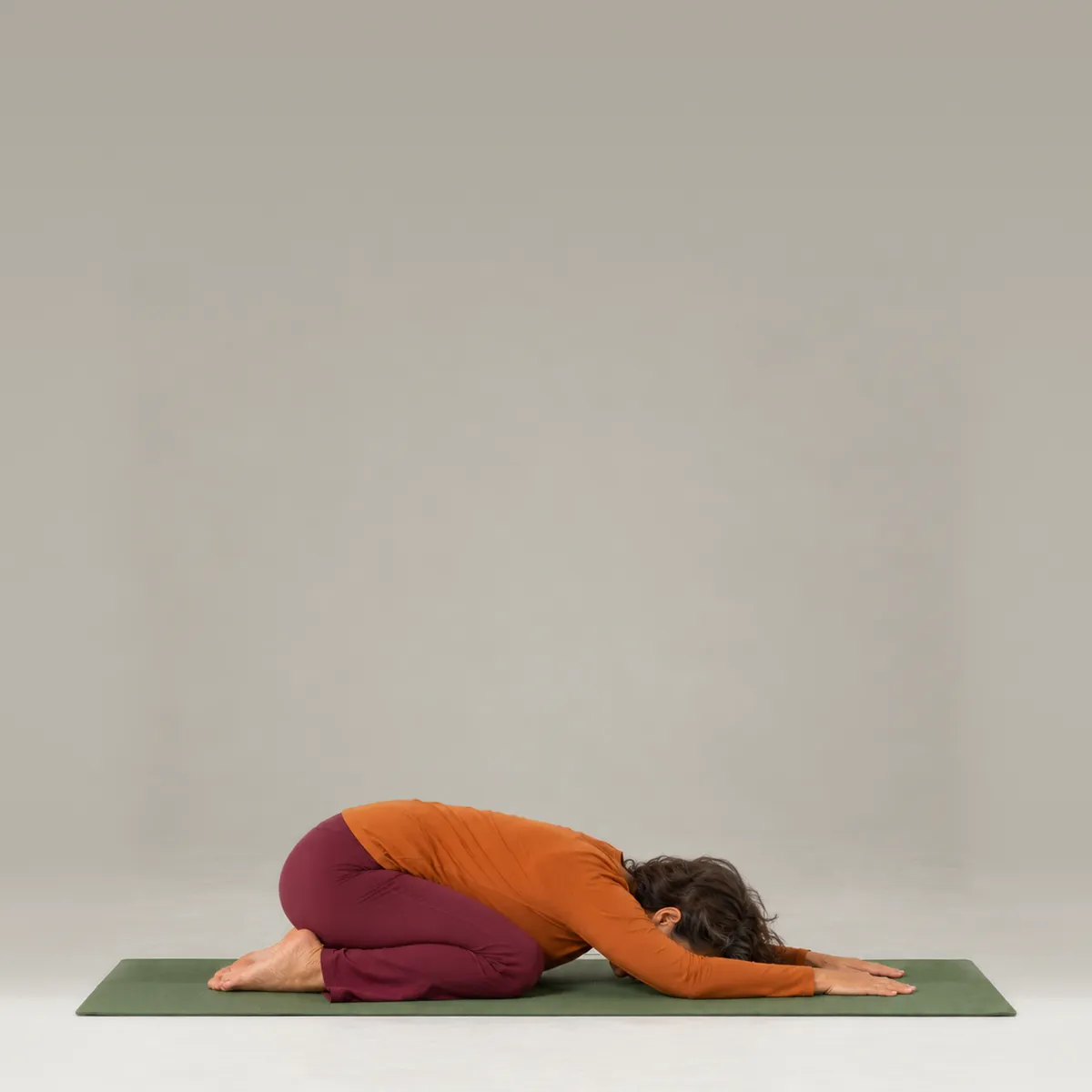
You can practice with full coaching, audio-only mode, or a quieter cue style depending on the day.
- Full coaching
- Spoken form cues, a live form score, and breath pacing.
- Audio-only
- Camera off, with full breath pacing and verbal cues.
- Quieter cues
- A lighter touch, for days you would rather settle in.
 05Step 5 of 5
Practice, and let it adapt
Every session shapes the next. Kova notes what you completed and how it felt, and designs each class for that day around it, so a tender day can lead to a gentler tomorrow.
If something feels off.
The quick answers people need most in their first week.
Kova can't see me, or tracking is off.
Stand your phone upright 2 to 3 metres away, with your whole body in frame and light in front of you. You can also switch to audio-only from the session screen.
Read moreDoes Kova record or upload my camera?
No. Pose tracking runs entirely on your device, and your camera video and images are never uploaded. Body points leave your device only if you turn on Share movement data in You → Data & privacy, which is off by default. If you turn on Save session video, silent practice videos are saved to your own Photos library and stay on your device.
Read moreIs Kova medical advice?
No. Kova offers movement guidance, not medical advice.
Read more
Still stuck?
Send us a note and we'll help you get started.
More guides
Your first practice
is waiting.
Download Kova on your iPhone or iPad today. It is free to download, and Kova Plus starts with a 3-day free trial for new subscribers.
Download on the App Store